TuringShot 1.4.8–1.4.9: Focus Arrival, Aperture & Pointer Trail
Cinematic focus entry and comet-like pointer trail — live, no editing
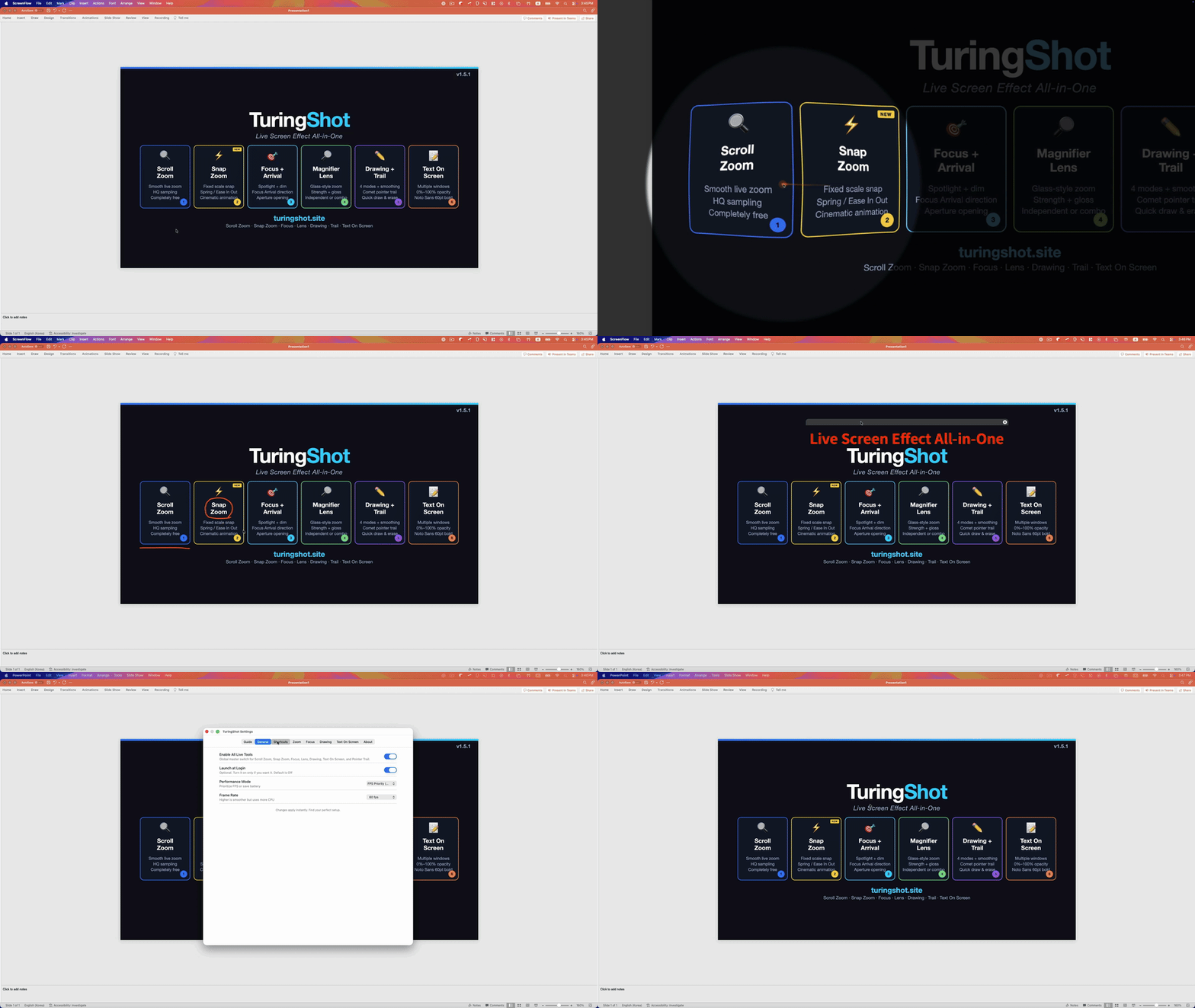
Two updates that fundamentally change how focus effects look and feel — plus a brand-new visual that follows your pointer everywhere.
Focus Arrival — Directional Entry Animation
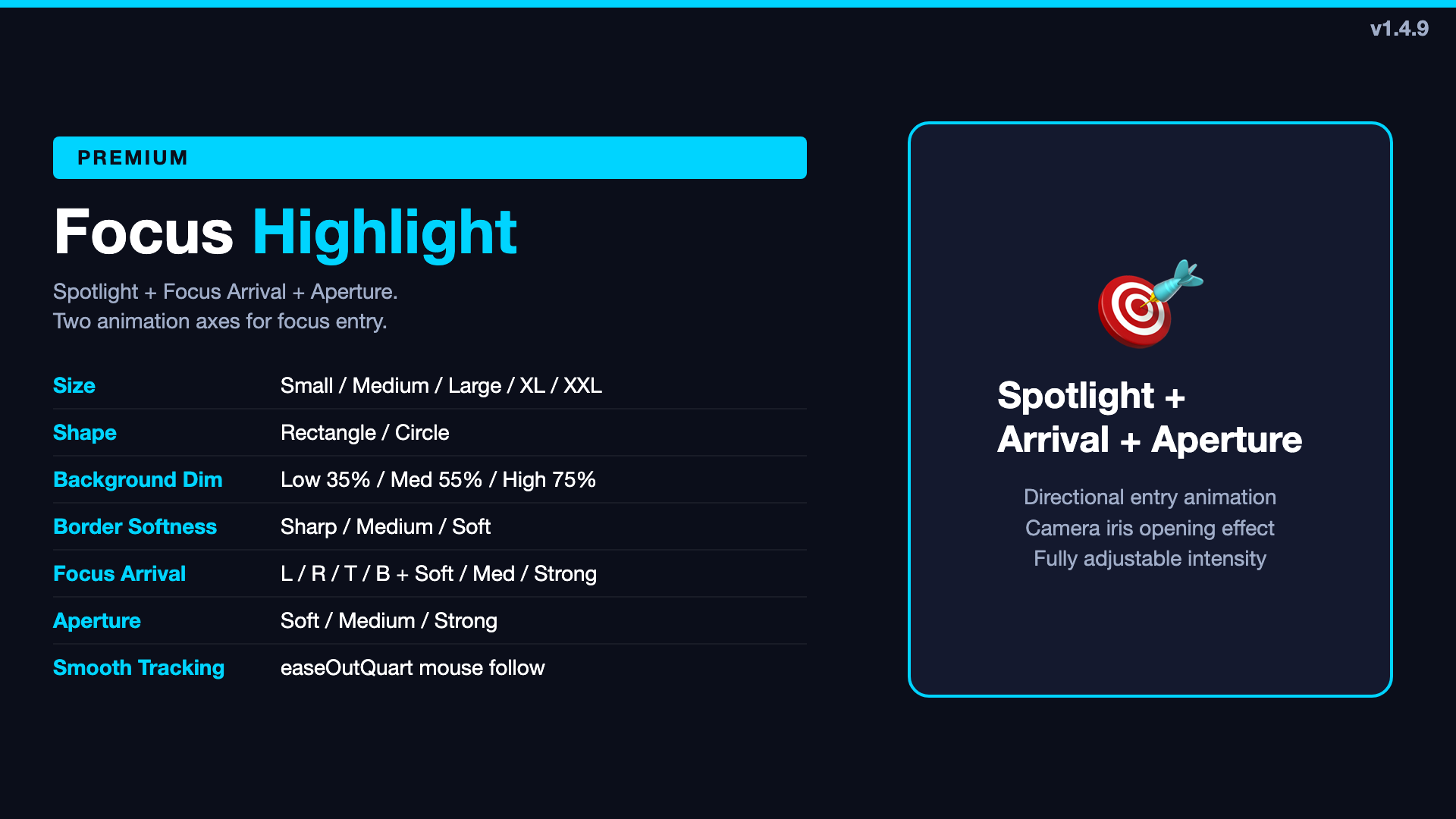
The old "Impact Animation" was an experimental effect with limited control. Focus Arrival replaces it with a proper directional entry system:
- Direction: Left / Right / Top / Bottom — the focus area slides in from your chosen direction
- Intensity: Soft / Medium / Strong — controls how dramatic the entry feels
- Default: On / Left / Soft for a natural, subtle entrance
The effect is designed so that focus activation feels intentional — like a well-edited video transition, but happening live on your screen. No post-editing needed.
Aperture — Camera Iris Opening Effect
When zoom starts, Aperture makes the focus area open wide first, then close down to target size — like a camera iris. This creates a sense of depth and intentionality that a simple "circle appears" can't match.
- Intensity: Soft / Medium / Strong
- Strong gives the most visible opening-then-closing motion
- Works together with Focus Arrival — two independent axes of animation
The old experimental "Dim Ramp" was removed — Focus Arrival and Aperture are now the two clean axes for all focus entry animation.
Pointer Trail — Comet-Like Cursor Visual
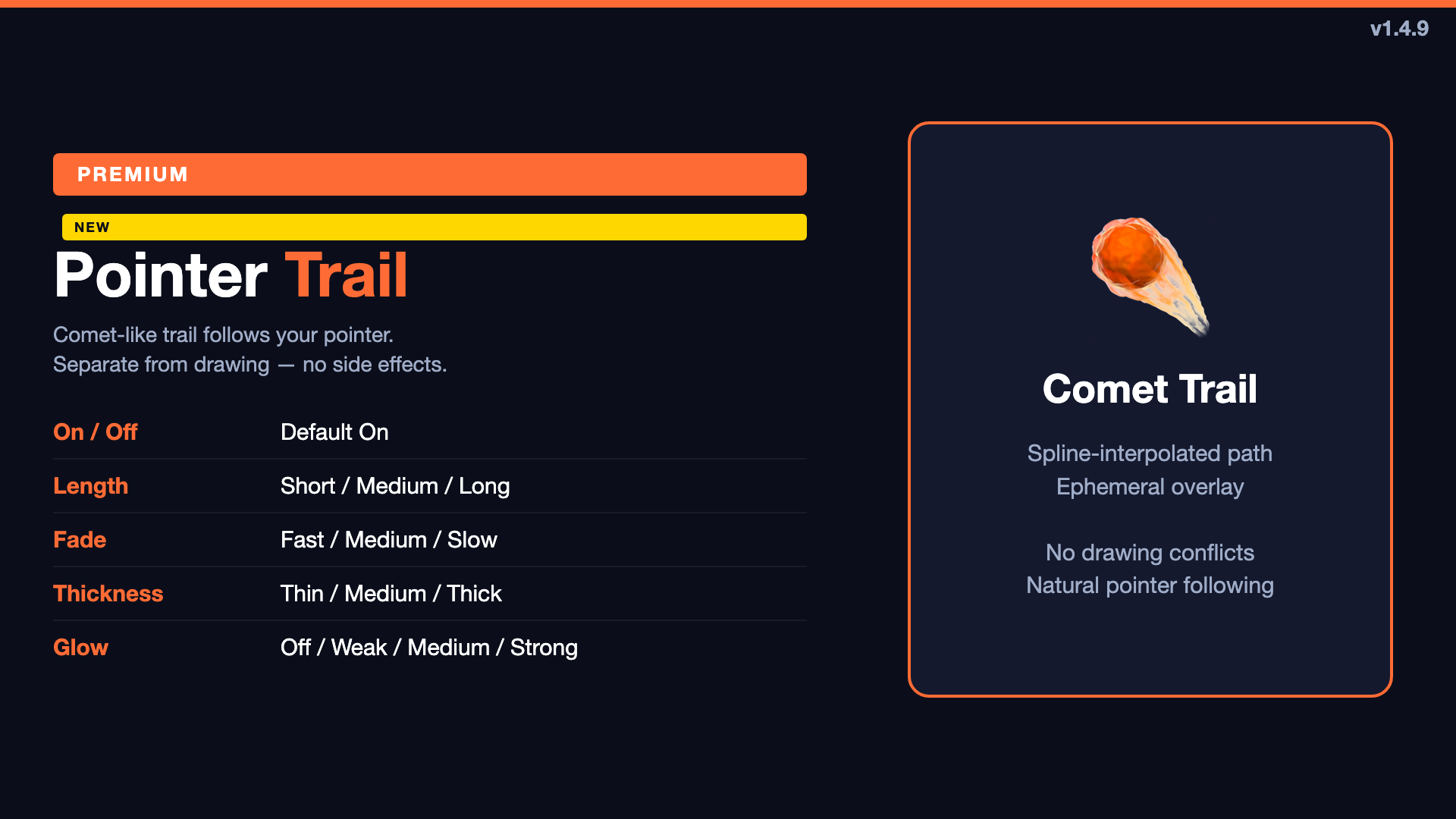
During Ctrl+A interaction, a comet-like trail follows your pointer movement. This is not drawing — it's a separate ephemeral overlay that disappears on its own and never interferes with your actual drawing strokes, undo, or erase operations.
- Length: Short / Medium / Long
- Fade: Fast / Medium / Slow
- Thickness: Thin / Medium / Thick
- Glow: Off / Weak / Medium / Strong
The trail is rendered using spline interpolation — no dotted-line feeling, just a smooth curve that naturally follows your pointer. Default: On / Short / Slow / Thin / Strong.
Interaction Stability
1.4.9 also fixed edge cases where holding the interaction hotkey too long could cause system sounds or leave the state stuck. The key-repeat consumption and fallback release paths were reinforced so even misaligned key inputs recover cleanly.
Current Feature Count: v1.4.9
With these additions, TuringShot now has 6 core live effects:
- Live Screen Zoom — free, with Sharpest sampling
- Focus Highlight — with Focus Arrival + Aperture
- Magnifier Lens — glass-style local magnification
- Screen Drawing — 4 modes + line smoothing
- Pointer Trail — comet-like cursor visual (NEW)
- Text Memo — multiple windows, 0% opacity
TuringShot v1.4.9
Free screen zoom. Premium from $2.99/year with 2-week free trial.
Download on Mac App Store