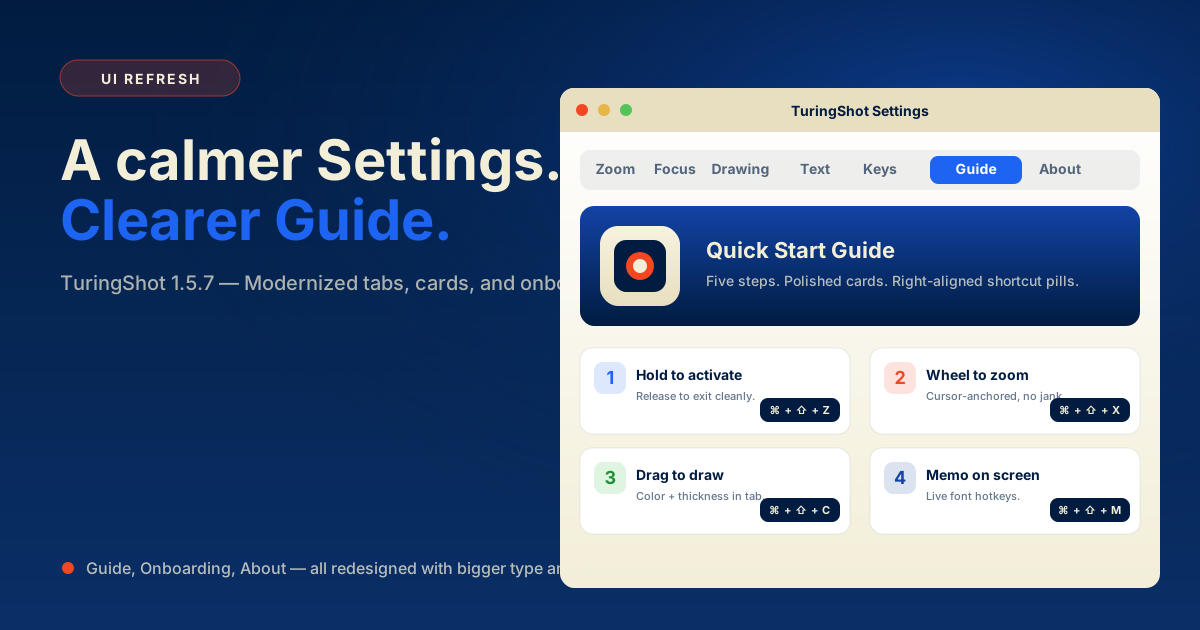
TuringShot 1.5.7 UI Refresh — Guide, Onboarding, About Redesigned
A calmer Settings window with bigger type, refined cards, and right-aligned shortcut pills throughout Guide, onboarding, and About.
Stories and tips from the maker of TuringShot
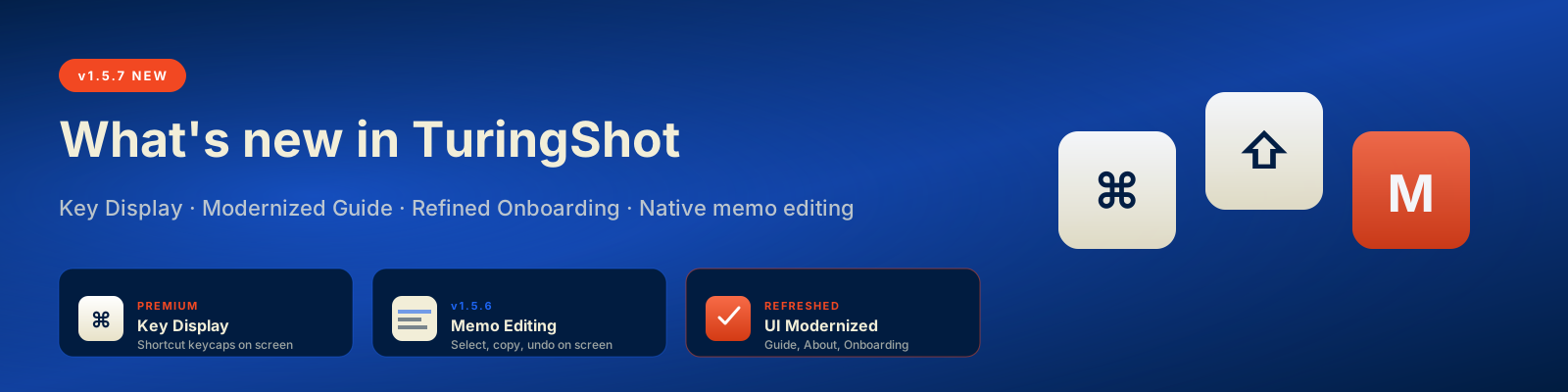
A calmer Settings window with bigger type, refined cards, and right-aligned shortcut pills throughout Guide, onboarding, and About.
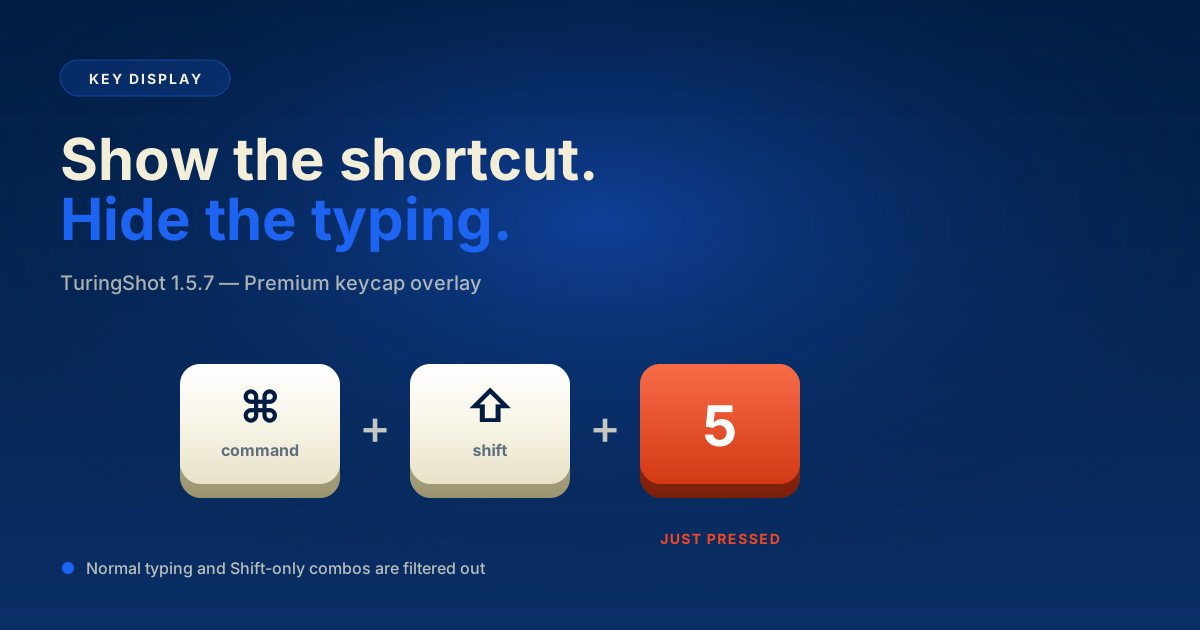
Show shortcuts as polished keycaps during recordings, with typing filters and cleaner settings-window shortcut behavior.
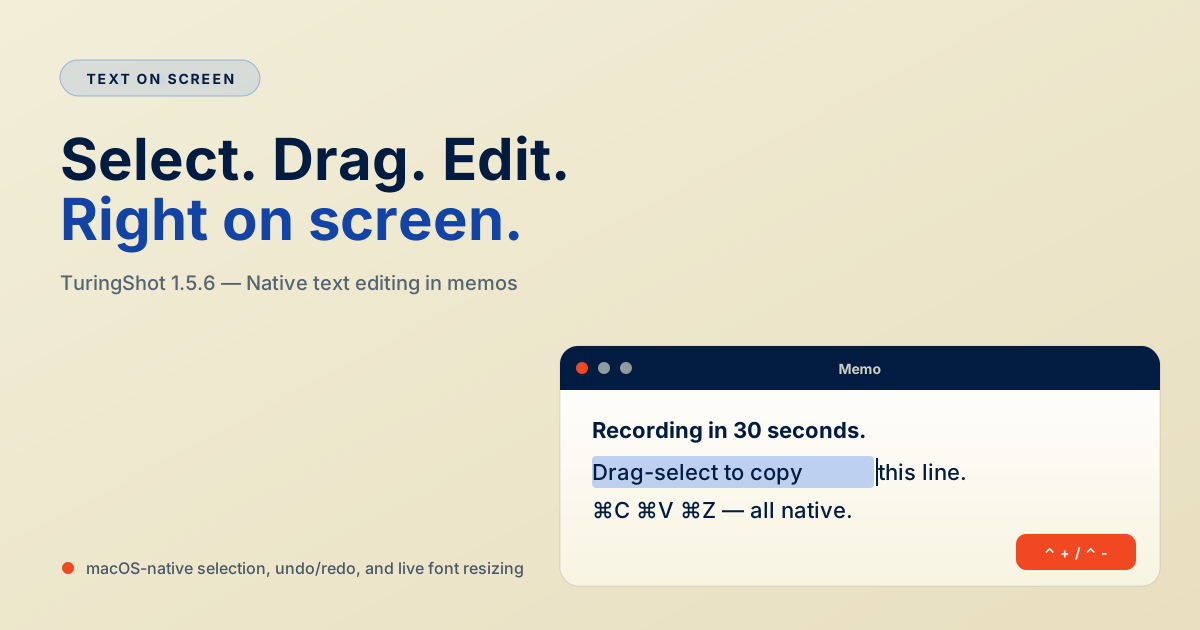
Drag-select text inside floating notes and use copy, paste, cut, select all, undo, and redo shortcuts.
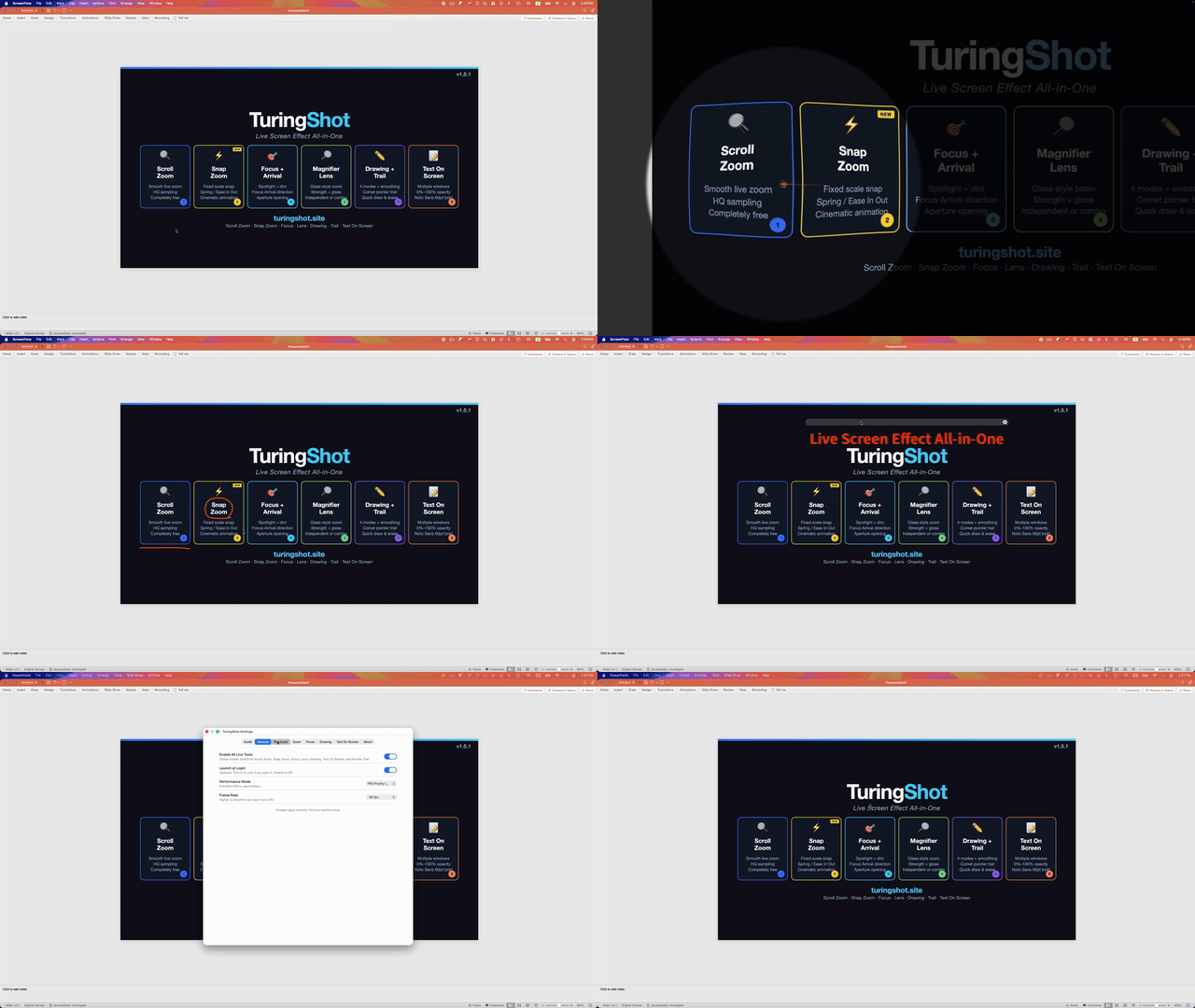
Text On Screen font size now stays after hotkey use, zoom entry avoids stale frames, and Pointer Trail adds Always Show.
AI generates polished animations with Manim and Remotion, but live tutorials with real-time narration are a different category that still needs a tool like TuringShot.
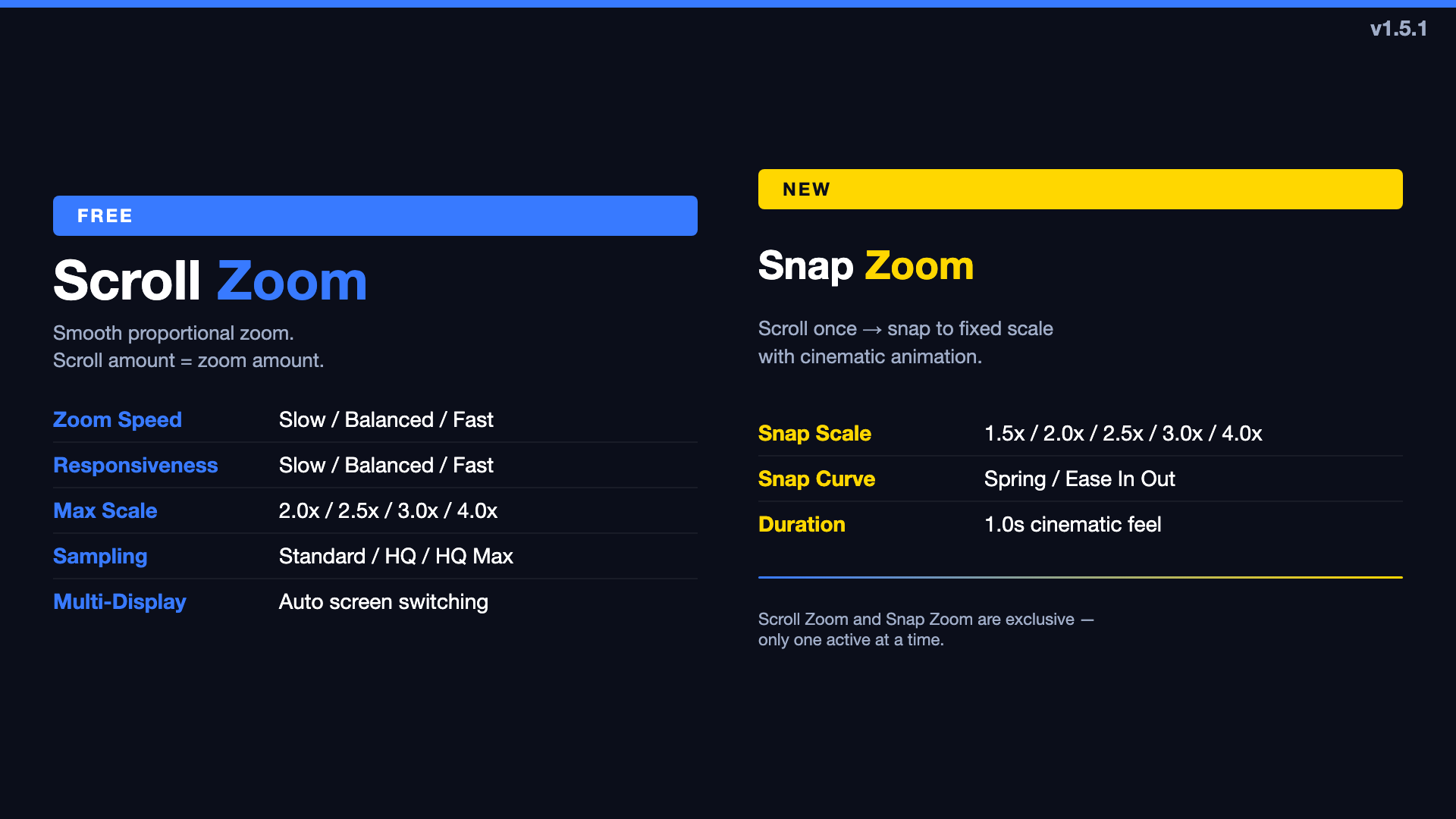
Scroll Zoom / Snap Zoom split, Zoom Speed + Responsiveness, Sampling simplified to Standard/HQ/HQ Max.
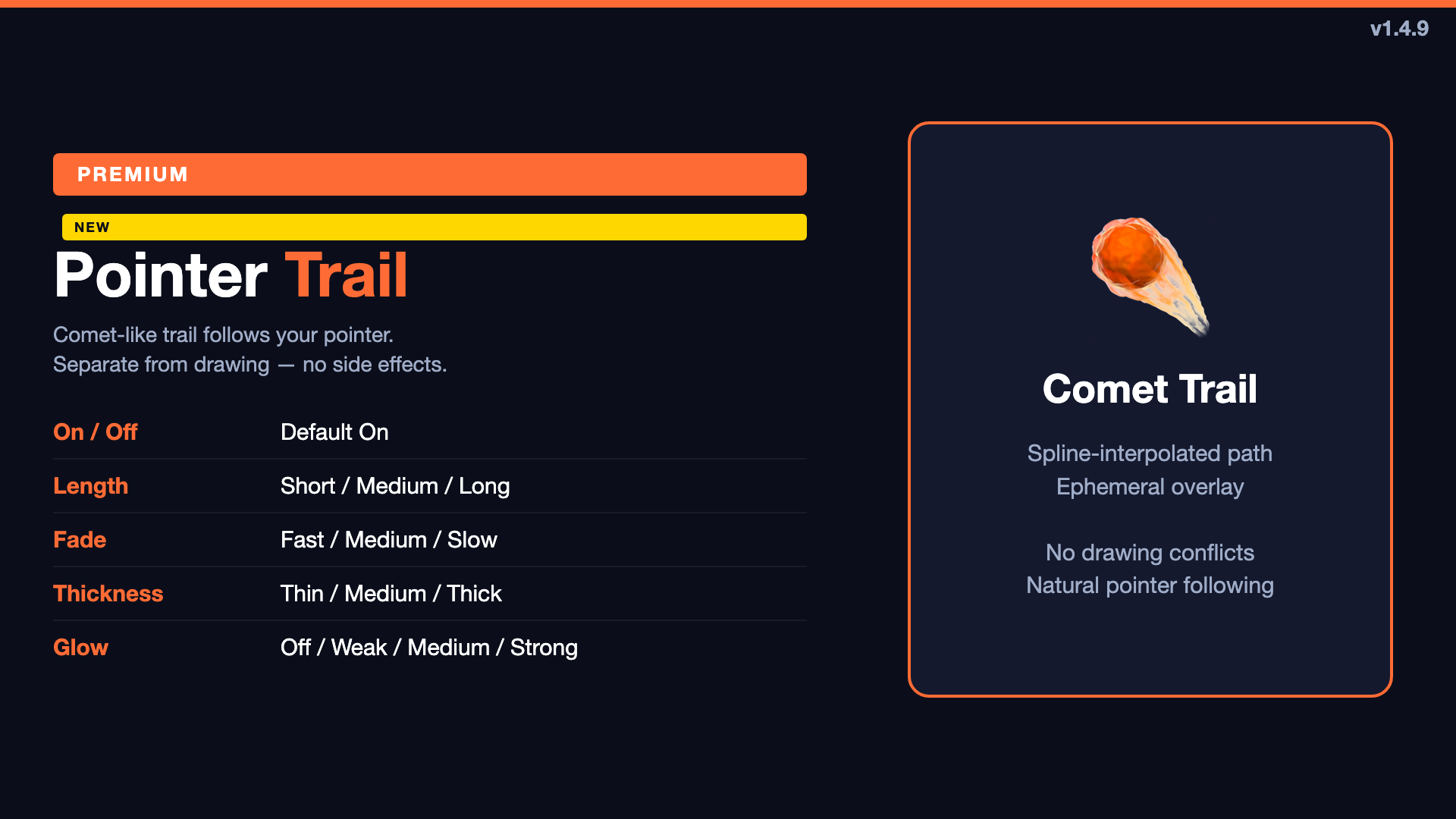
Directional focus entry, camera-iris opening, and a comet-like pointer trail. Two updates for cinematic live presentations.

Every feature explained: zoom, focus, lens, animation, drawing, memo, styling, auto-expand, hotkeys, auto-launch, and onboarding.
Expanded zoom sampling with Custom mode, freehand line smoothing, 0% memo opacity, and premium trial improvements.
A detailed feature comparison of Mac presentation and screen recording tools. Live effects vs post-production — which fits your workflow?
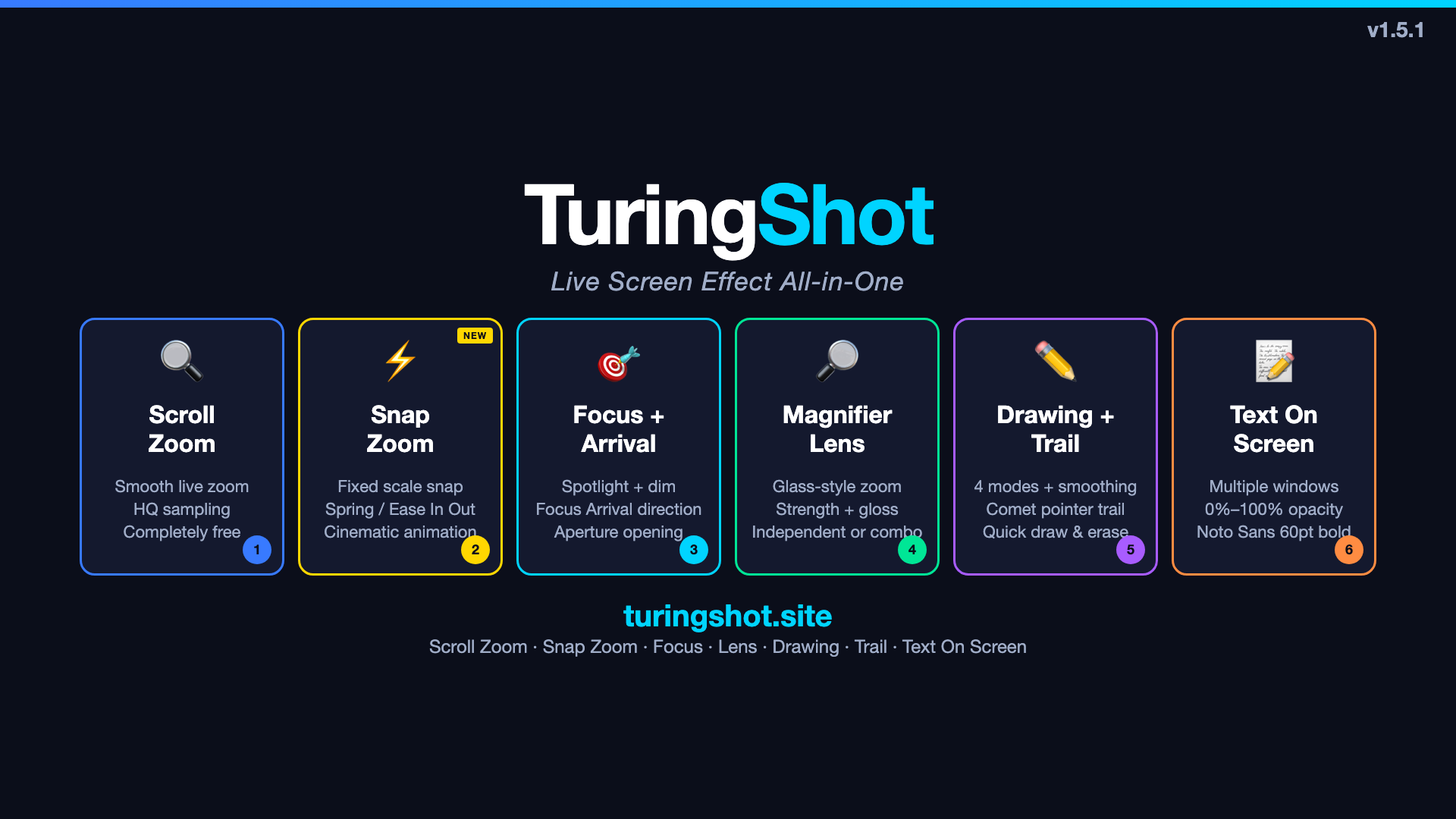
The name ZoomShot was shared by Vaddio cameras, smartphone lenses, and other apps. Here's why we chose a unique name.
After a decade of recording tutorials and presentations, I was tired of juggling separate tools for zoom, drawing, and focus. So I built TuringShot.
After a decade of recording IT lectures, I tried Filmora, ScreenStudio, FocuSee, and more. Here's how I finally found a workflow that eliminated post-editing entirely.