TuringShot 1.5.7: Key Display and Shortcut Stability
Show meaningful shortcuts without showing normal typing
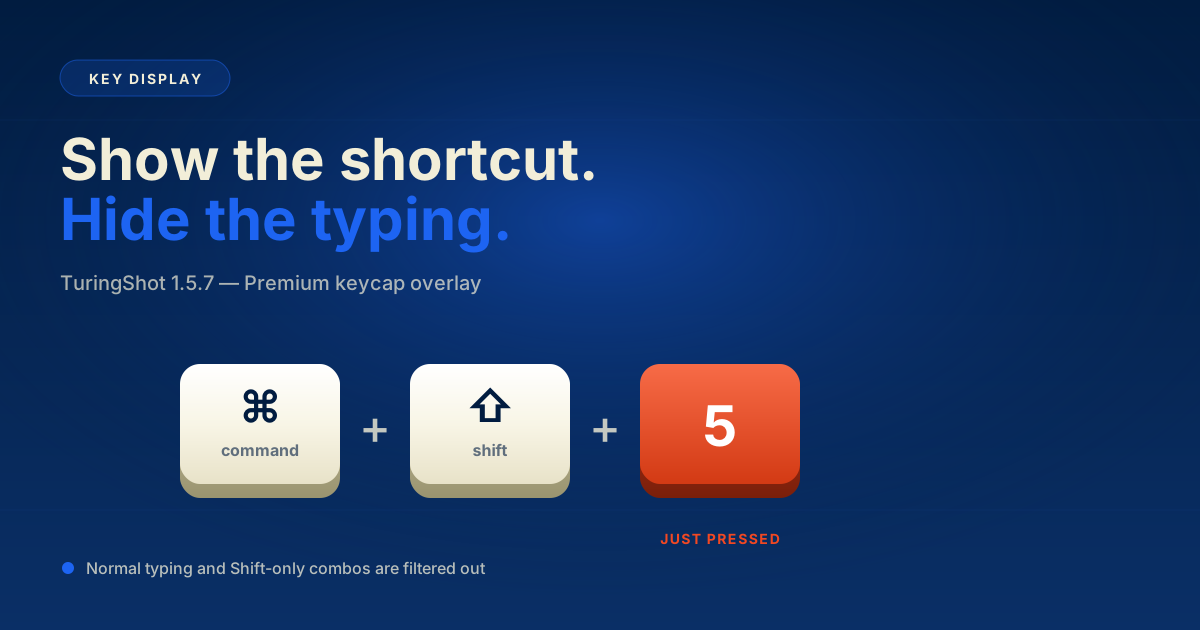
Version 1.5.7 adds Key Display, a Premium feature for showing shortcut combinations as polished keycaps during presentations and screen recordings.
TL;DR
TuringShot 1.5.7 introduces Premium Key Display, rendering shortcut combinations as polished keycaps during recordings. Normal typing and Shift-only combos are filtered out, the overlay is non-activating so it never steals focus, and Settings-window shortcut beeps are reduced.
Key Display for shortcut-heavy demos
When enabled, TuringShot displays shortcuts that include Cmd, Ctrl, or Option. This makes coding demos, design workflows, and app tutorials easier to follow without exposing normal typing.
Typing filters
Normal typing is not shown. Shift-only combinations are filtered out as well, so Korean input and capital letters do not appear as shortcut overlays.
Cleaner shortcut behavior
The Key Display overlay is non-activating, so it does not steal keyboard focus. TuringShot also reduces unnecessary macOS shortcut beeps while the settings window is open.
Frequently Asked Questions
What is Key Display in TuringShot?
Key Display is a Premium feature that shows keyboard shortcut combinations as polished keycaps during recordings or presentations. It is filtered so that normal typing and Shift-only combinations do not appear.
Does Key Display steal keyboard focus?
No. The overlay panel is non-activating, so it does not take focus from the app you are using.
Why are Shift-only combinations filtered?
To avoid surfacing Korean Hangul input and capital letters as shortcut overlays.
TuringShot v1.5.7
Free screen zoom. Premium tools include focus, lens, drawing, Text On Screen, Pointer Trail, and Key Display.
Download on Mac App Store