TuringShot vs Screen Studio vs Presentify vs FocuSee
Mac Presentation & Screen Recording Tools Compared
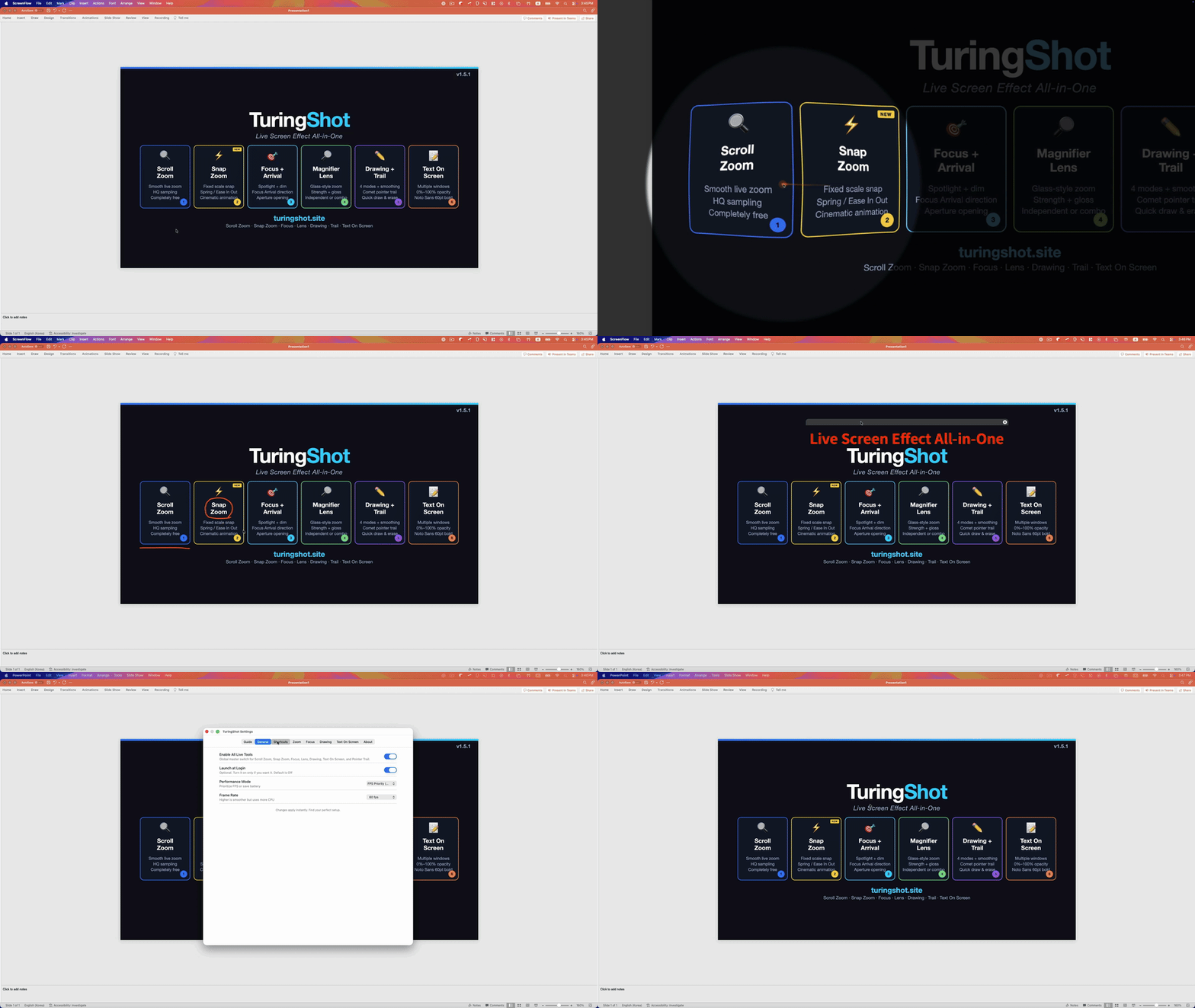
If you present, record tutorials, or teach on a Mac, you've probably searched for tools to zoom, highlight, and draw on screen. There are several options — each with a very different philosophy. Here's an honest comparison.
Screen Studio — Recording & Post-Production Zoom
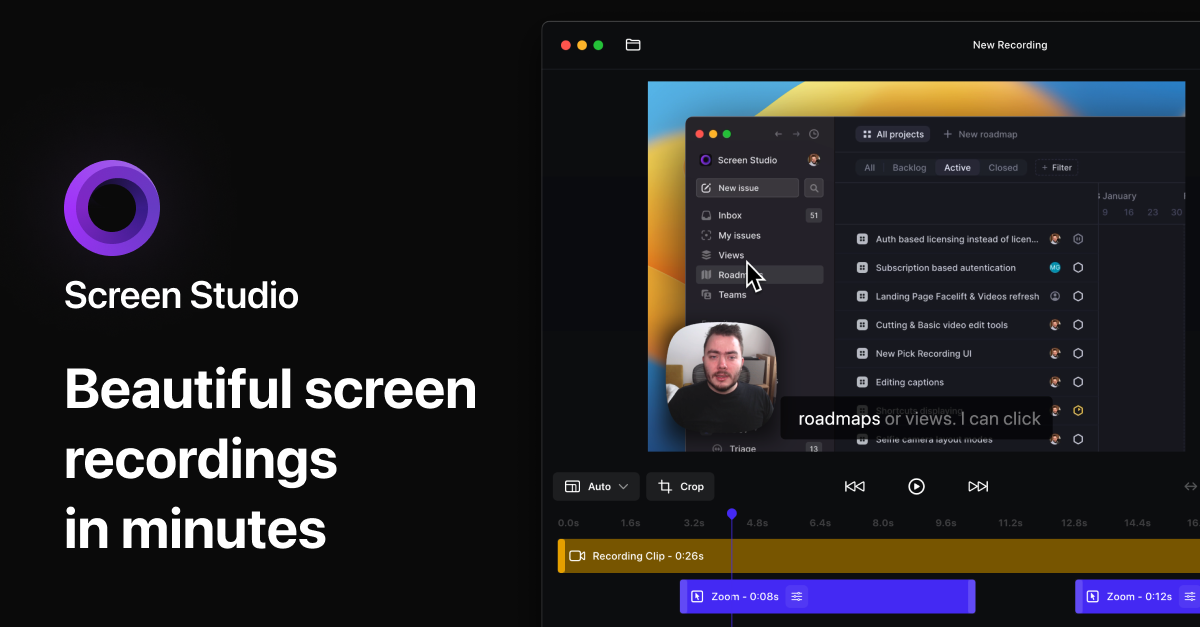
Screen Studio is a professional screen recorder that applies zoom effects after recording. It can automatically add zooms around clicks, and it also lets you place and aim manual zooms in the editor. The results include polished cursor movement, motion blur, and styled backgrounds.
Best for: Content creators who want polished, edited videos. YouTube tutorials, product demos where post-production time is available.
Key difference from TuringShot: Screen Studio records first, then edits. TuringShot applies all effects live — what you see on screen is what gets recorded. No editing step needed.
- Automatic and manual zoom in the post-recording editor
- Auto cursor smoothing and motion blur
- Subscription: $29 monthly or $9/month billed yearly at this update
- Zooms appear in the edited output, not as a system-wide live overlay
Presentify — Live Zoom, Annotation & Cursor Highlight
Presentify is a Mac menu bar app for annotating your screen, highlighting your cursor, spotlighting an area, and zooming in live. Its Zoom view follows the cursor, and it can also switch to full-screen Zoom. It also provides drawing tools, a whiteboard, and cursor customization.
Best for: Live presentations and online classes where annotation, whiteboarding, cursor styling, spotlight, and zoom need to work together.
Key difference from TuringShot: Both now overlap on live zoom, spotlight or focus, and drawing. TuringShot centers on recorder-agnostic full-screen scroll and snap zoom, with a separate local lens, pointer trail, on-screen memo, key display, and impact effects. Presentify centers on annotation, whiteboard, cursor styling, spotlight, and cursor-following or full-screen Zoom.
- Cursor highlight with customizable color/size/opacity
- Spotlight mode (dims the rest of screen)
- Drawing with arrows, circles, squares, text
- Cursor-following and full-screen Zoom with configurable level, size, shape, and border
- One-time direct license, Setapp, and Homebrew installation
FocuSee — Auto-Zoom Screen Recorder
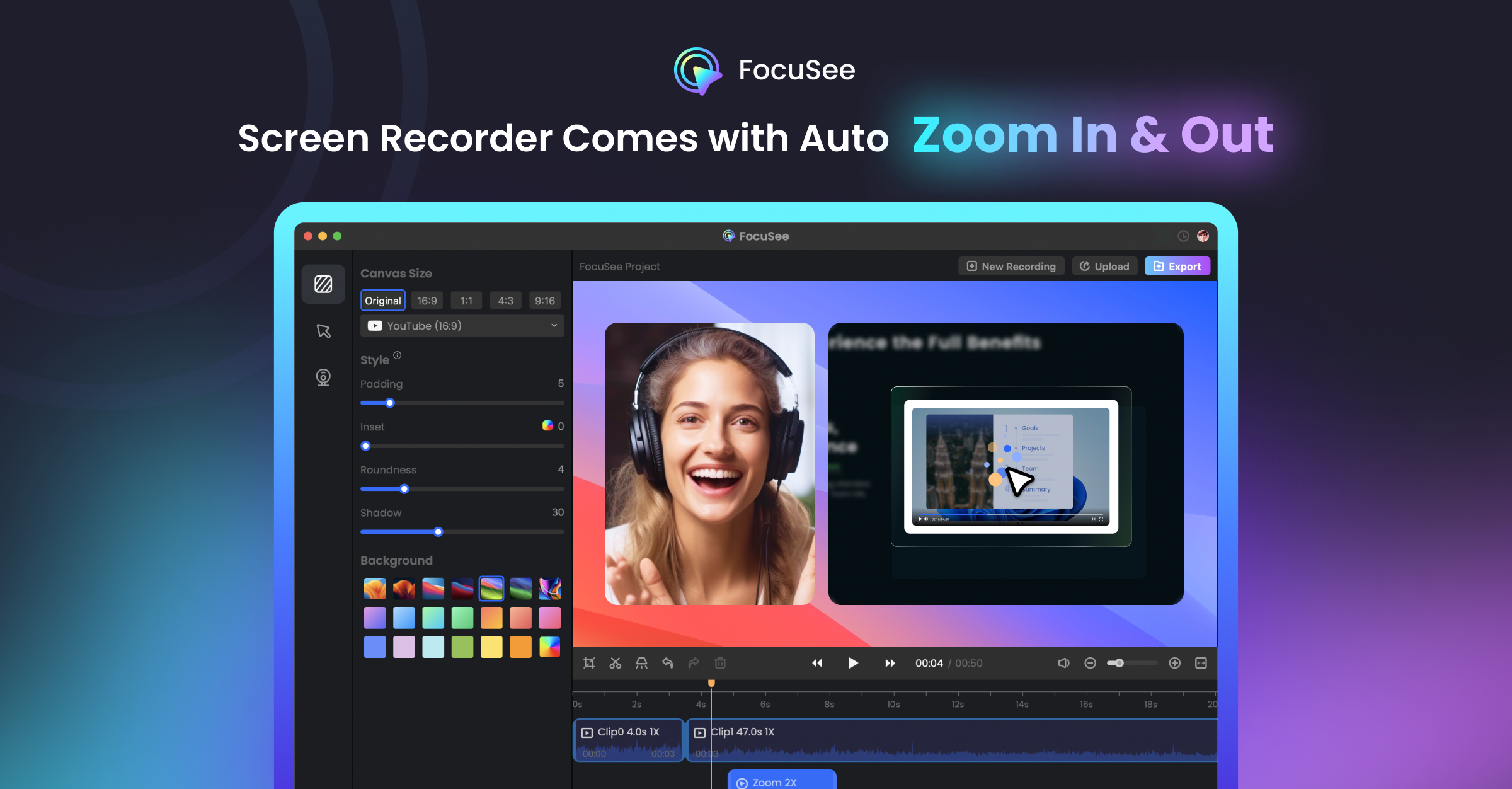
FocuSee by iMobie is a screen recorder with automatic zoom-in effects, cursor animations, and background customization. Like Screen Studio, it applies effects in post-production.
Best for: Quick product demos and tutorial videos where you want automated post-production.
Key difference from TuringShot: FocuSee is a recorder+editor. You record, then it generates a video with zoom effects. TuringShot works live — effects are visible on screen during your presentation or recording.
- Post-production auto-zoom
- 10+ cursor styles and click effects
- Auto captions, noise reduction
- $49.99/year Standard or $199.99 lifetime Advanced at this update
- No live effects during presentation
OBS Studio — Free Open-Source Recording
OBS Studio is the industry standard for free screen recording and streaming. It's incredibly powerful for capture and streaming, but has no built-in zoom, focus, or drawing features.
Best for: Streaming, complex multi-source recording setups. Free and open-source.
Key difference from TuringShot: OBS captures what's on screen but doesn't add any live effects. TuringShot adds zoom, focus, lens, drawing, and memo effects that OBS (or any recorder) then captures as-is.
- Free and open-source
- Multi-source, multi-platform recording
- No zoom, focus, drawing, or lens effects
- Works great with TuringShot (TuringShot provides live effects, OBS records them)
Feature Comparison Table
Features and public pricing were checked against the official product pages on August 4, 2026. Product plans can change.
| Feature | TuringShot | Screen Studio | Presentify | FocuSee | OBS |
|---|---|---|---|---|---|
| Live Full-Screen Zoom | Yes: scroll/snap | No: editor zoom | Yes | No: editor zoom | No built-in |
| Focus / Spotlight | Live | Post edit | Live | Post edit | No built-in |
| Cursor-Following Magnifier | Live lens | Post zoom | Live Zoom view | Post zoom | No built-in |
| Drawing / Annotation | Live | Post tools | Live | Post annotation | No built-in |
| Text | Live memo | Post captions | Live text tool | Post text/captions | No built-in |
| Works with any recorder | Yes | Built-in only | Yes | Built-in only | N/A |
| Screen Recording | No (use any recorder) | Yes | No | Yes | Yes |
| Effects Visible Live | Yes | No | Yes | No | Scene-dependent |
| Price | $2.99/yr or $9.99 lifetime | $29/mo or $108/yr | $14 direct or Setapp | $49.99/yr or $199.99 lifetime | Free |
Who Should Use TuringShot?
TuringShot is built for a specific scenario: you need live screen effects that get recorded as-is, with zero post-editing.
- You record tutorials or lectures and don't want to edit afterwards
- You present live (Zoom, Google Meet, Teams) and need zoom + focus in real time
- You want zoom, focus, lens, drawing, and memo in one menu bar app
- You already use OBS, QuickTime, or any recorder and want to add live effects
If you need cinematic post-production with auto-zoom and cursor smoothing, Screen Studio or FocuSee is a better fit. If annotation, whiteboarding, cursor styling, spotlight, and Presentify's zoom interaction fit your workflow, Presentify is a strong option. TuringShot is designed for a recorder-agnostic workflow where full-screen zoom and multiple live effects are captured as they happen.
Frequently Asked Questions
How is TuringShot different from Screen Studio?
Screen Studio applies zoom in post-production after recording; TuringShot shows zoom live so it records into your video without a separate editing step.
Is Presentify free?
Presentify is a paid app offered through a one-time direct license and Setapp. TuringShot keeps full-screen Zoom and Snap Zoom free, with additional live effects available in Premium.
What live effects does TuringShot include?
TuringShot ships zoom, focus, lens, drawing, memo, pointer trail, and key display in a single app.
Does TuringShot support Korean?
Yes. TuringShot's app interface and guides support both English and Korean.
Try TuringShot — Free screen zoom, premium effects from $2.99/year
Download on Mac App Store