TuringShot 1.5.1: Zoom Settings Redesigned
Scroll Zoom, Snap Zoom, Speed & Sampling — all clarified
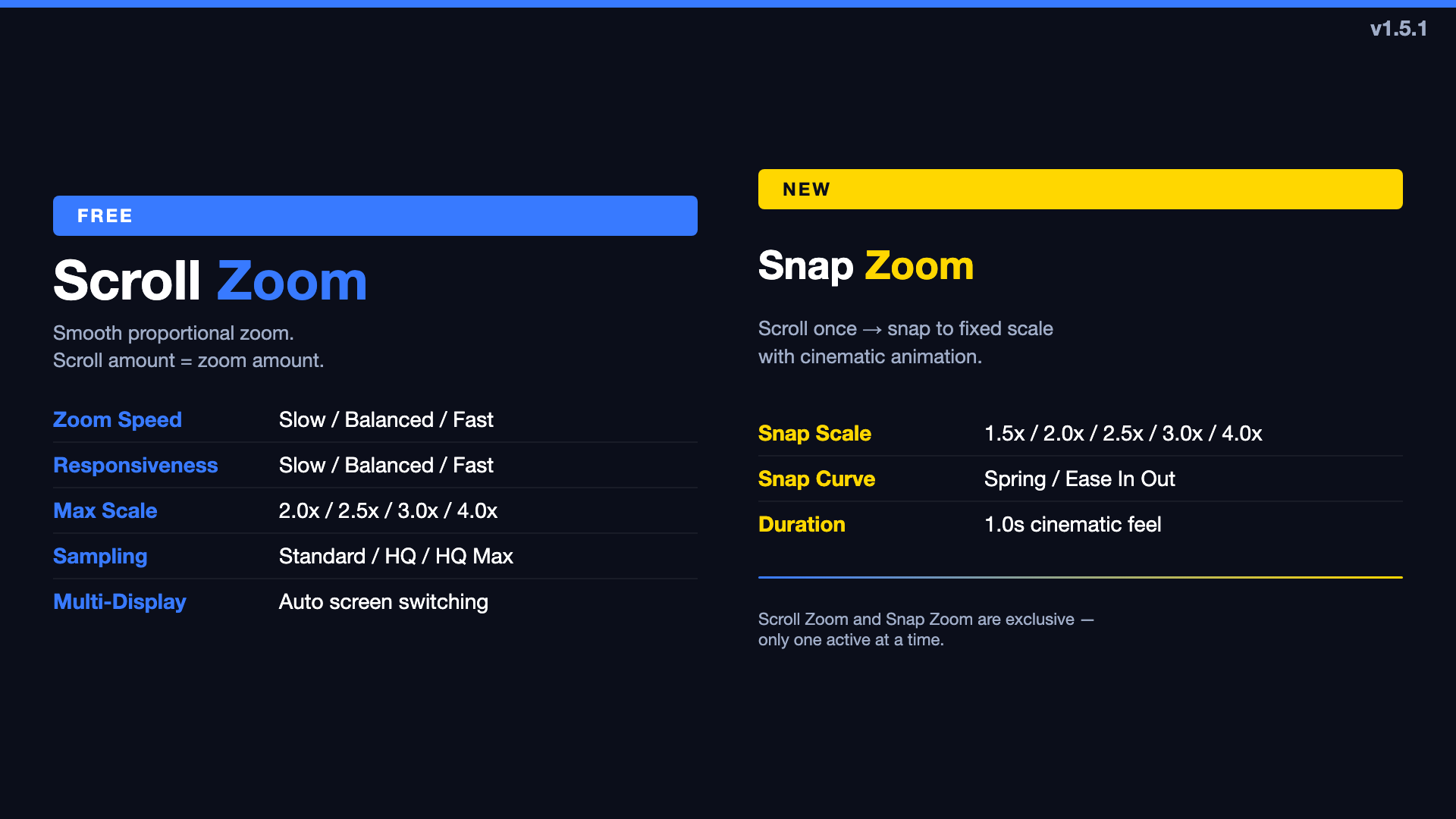
Version 1.5.1 is a structural redesign of how zoom works in TuringShot. No new effects — instead, the existing zoom system is split, clarified, and retuned so every setting has a clear, noticeable impact.
Scroll Zoom vs Snap Zoom — Now Separate
Previously, "zoom" was one thing with a Snap Zoom toggle bolted on. Now the Zoom tab has two explicit modes:
- Enable Scroll Zoom — proportional zoom. Scroll amount = zoom amount. The classic behavior.
- Enable Snap Zoom — fixed-scale snap. Scroll once → cinematic animation to 1.5x/2.0x/2.5x/3.0x/4.0x. Spring or Ease In/Out curve.
Only one can be active at a time. If both were saved from a previous version, Snap Zoom takes priority on load.
Zoom Speed & Scroll Responsiveness — Independent
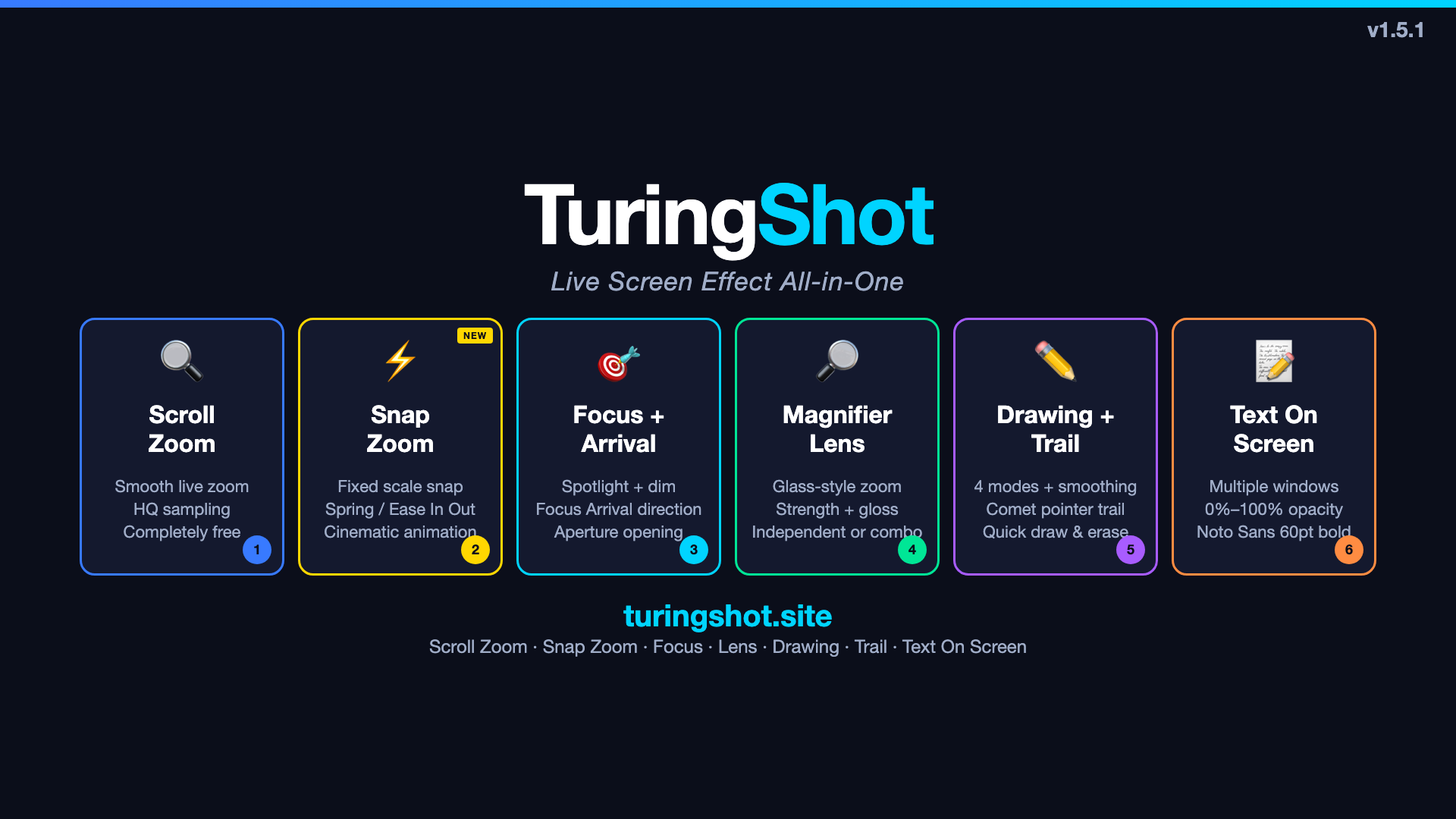
The old "Zoom Speed" was actually controlling scroll input scaling, so the difference between settings was subtle. Now:
- Zoom Speed (Slow / Balanced / Fast) — controls animation duration. Slow = longer, more cinematic. Fast = snappier.
- Scroll Responsiveness (Slow / Balanced / Fast) — controls how much each scroll tick zooms. Slow = fine control. Fast = aggressive.
Both are set to Balanced by default. The difference between Slow and Fast is now obvious.
Zoom Sampling — Simplified
The old sampling had 7 options (Smooth, Crisp, Sharp, Sharper, Sharpest, Custom slider). Most users couldn't tell the difference between Sharp/Sharper/Sharpest. Now:
- Standard — basic bilinear interpolation
- HQ — bicubic with light sharpening (default)
- HQ Max — maximum sharpening, reduced halo
Focus & Text Defaults — Adjusted
All focus effects (Focus Highlight, Focus Arrival, Aperture, Magnifier Lens) now default to Off. This means a fresh install starts clean — you add effects as you need them, rather than turning off what you don't.
Text On Screen defaults changed to Noto Sans CJK KR, Bold, 60pt, Orange text, 0% background — ready for visible annotations without setup.
Other Cleanup
- Smooth Transition toggle removed — transitions are always smooth now
- Enable All Live Tools master switch — clearly controls all tools at once
- Lens Gloss strengthened — High setting now shows visible glass sheen
TuringShot v1.5.1
Free screen zoom. Premium from $2.99/year with 2-week free trial.
Download on Mac App Store