TuringShot 1.5.6: Text On Screen Editing Improved
Text On Screen notes now edit more like a normal memo app
TL;DR
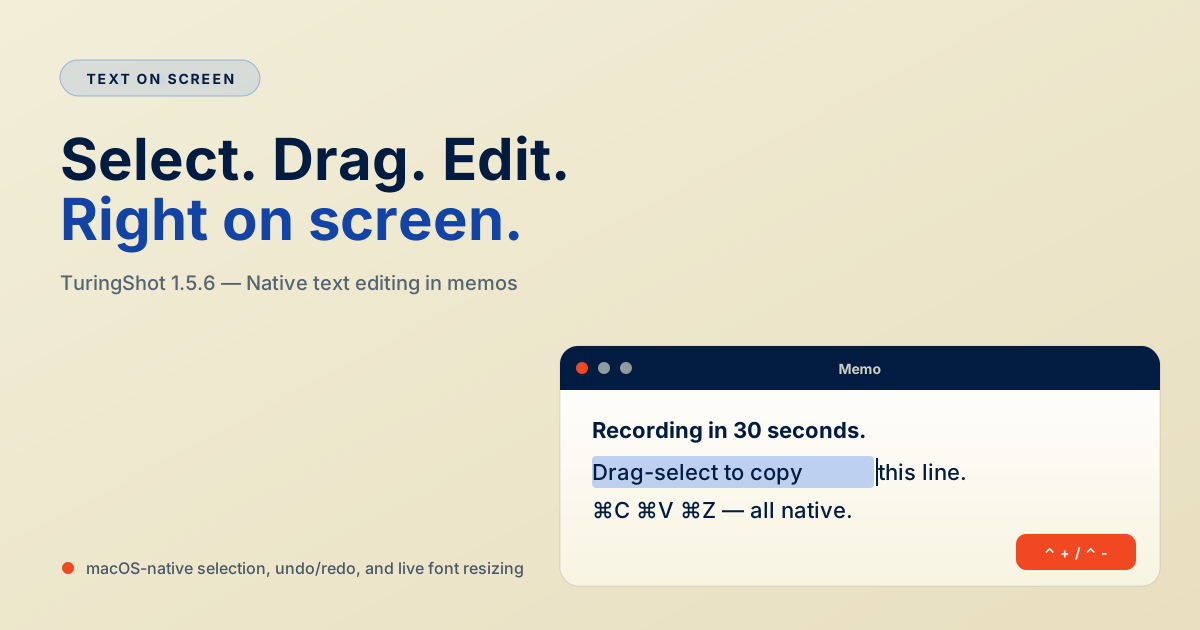
TuringShot 1.5.6 makes Text On Screen memos editable like a native macOS text field: drag-select a range and use Cmd+C, Cmd+V, Cmd+X, Cmd+A, Cmd+Z, and Cmd+Shift+Z. Existing memo content is preserved.
Version 1.5.6 focuses on Text On Screen editing. Notes should feel closer to a normal memo editor while still staying as floating live screen elements.
Drag-select text inside a note
You can now click inside a Text On Screen note and drag across part of the text to select only that range. Single-click cursor placement remains available, but dragging now follows the standard macOS text editing behavior.
Standard editing shortcuts
Text On Screen now supports Cmd + C, Cmd + V, Cmd + X, Cmd + A, Cmd + Z, and Cmd + Shift + Z inside the memo editor.
Why this matters
During live demos and recordings, on-screen notes often need small edits rather than full rewrites. Selecting one phrase, pasting a command, or undoing a typo should be immediate.
Frequently Asked Questions
What changed in Text On Screen editing in 1.5.6?
You can drag-select text inside floating memos. Cmd+C, Cmd+V, Cmd+X, Cmd+A, Cmd+Z, and Cmd+Shift+Z all behave like macOS native text fields.
Does this affect existing memos?
No — existing memo content is preserved; only the editing experience improved.
TuringShot v1.5.6
Free screen zoom. Premium tools include focus, lens, drawing, Text On Screen, and Pointer Trail.
Download on Mac App Store