TuringShot 1.5.5: Input & Zoom Stability
Text On Screen, zoom entry, and Pointer Trail are more reliable
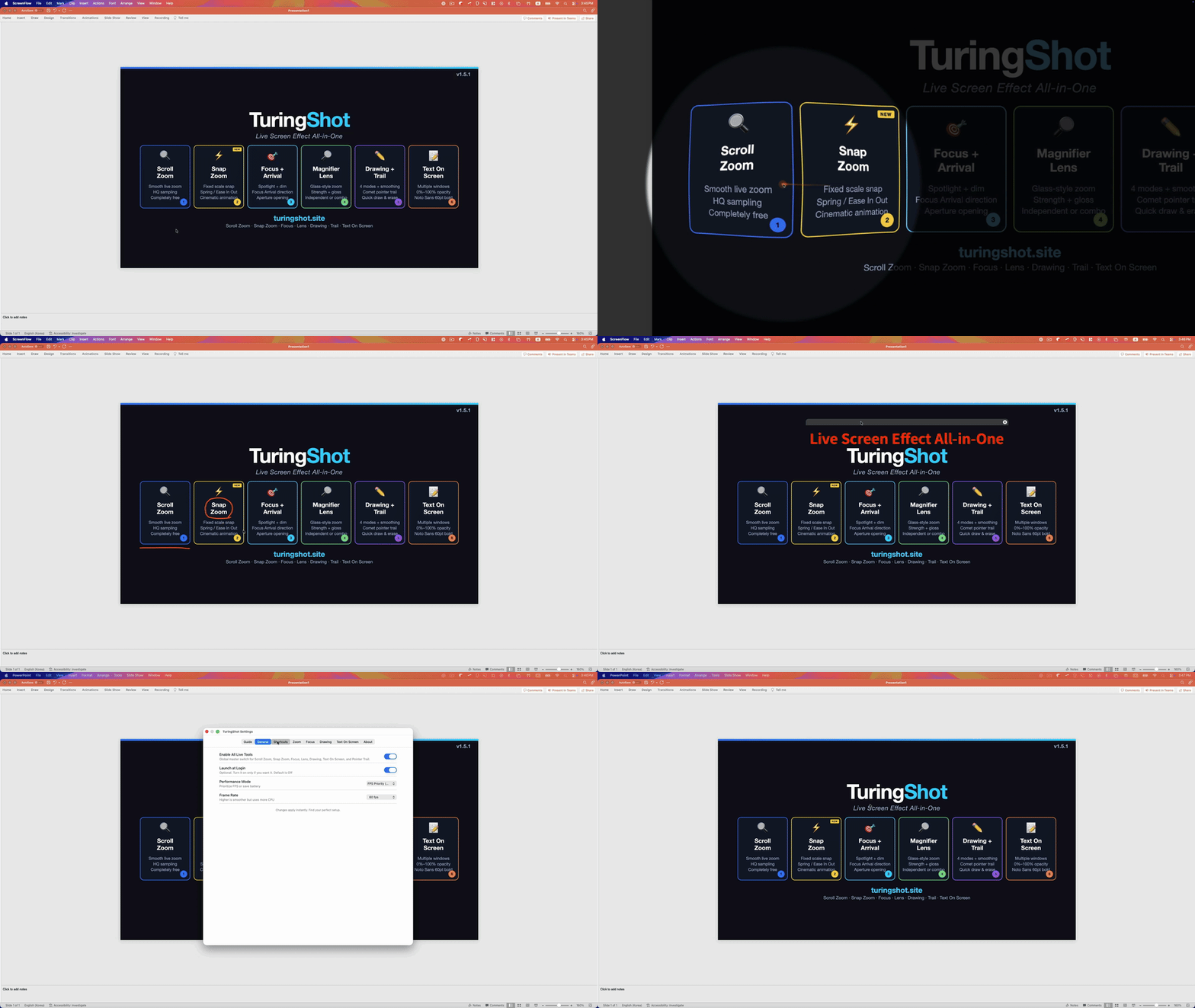
Version 1.5.5 is a practical stability update. It focuses on small moments that interrupt real recording: text size resets, stale zoom frames, and pointer trail control.
Text On Screen font size now stays
When you resize a Text On Screen note with Ctrl + + or Ctrl + -, that note now keeps its size even after mode hotkeys or settings refreshes. Default text styling can still update, but each note's current font size is preserved.
Zoom start-frame stability
Zoom now waits for a fresh captured frame when entering zoom. This reduces the chance of briefly showing an old frame or hidden desktop content at the beginning of a zoom action.
Pointer Trail Always Show
Pointer Trail can now stay visible during normal pointer movement without holding the mode hotkey. Enable it from Drawing > Pointer Trail > Always Show. The option remains separate from drawing strokes and follows the same premium feature rules.
Guide and onboarding updated
The Quick Start popup and Guide tab now show this 1.5.5 update near the top, so the latest changes are easy to find after install or update.
TuringShot v1.5.5
Free screen zoom. Premium tools include focus, lens, drawing, Text On Screen, and Pointer Trail.
Download on Mac App Store