TuringShot 1.4.5–1.4.7: Sharper Zoom, Smoother Drawing, Transparent Memos
Three updates that refine every core feature
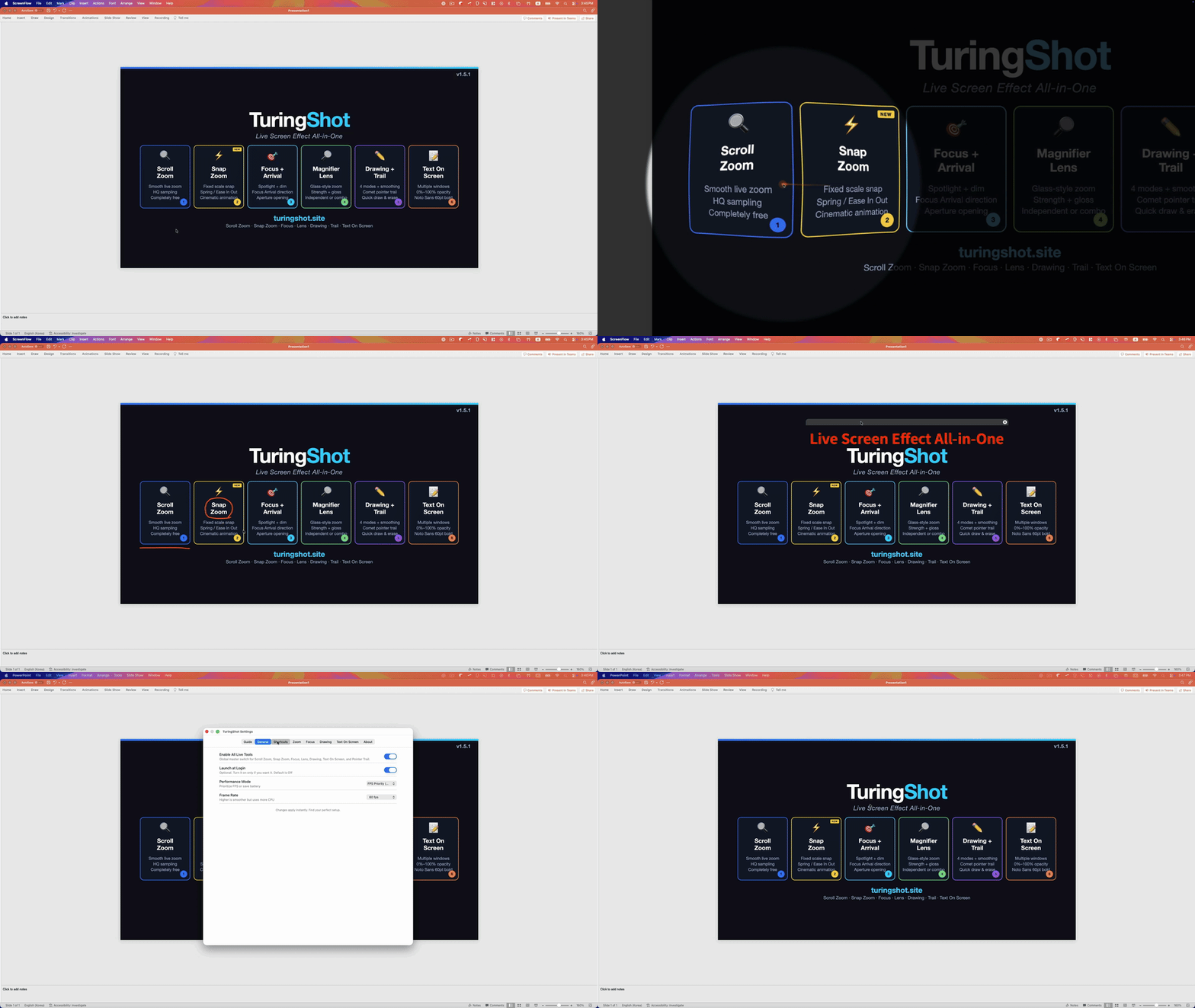
Over the last three updates, we've refined every core feature in TuringShot. Here's what changed and why.
Drawing Smoothing
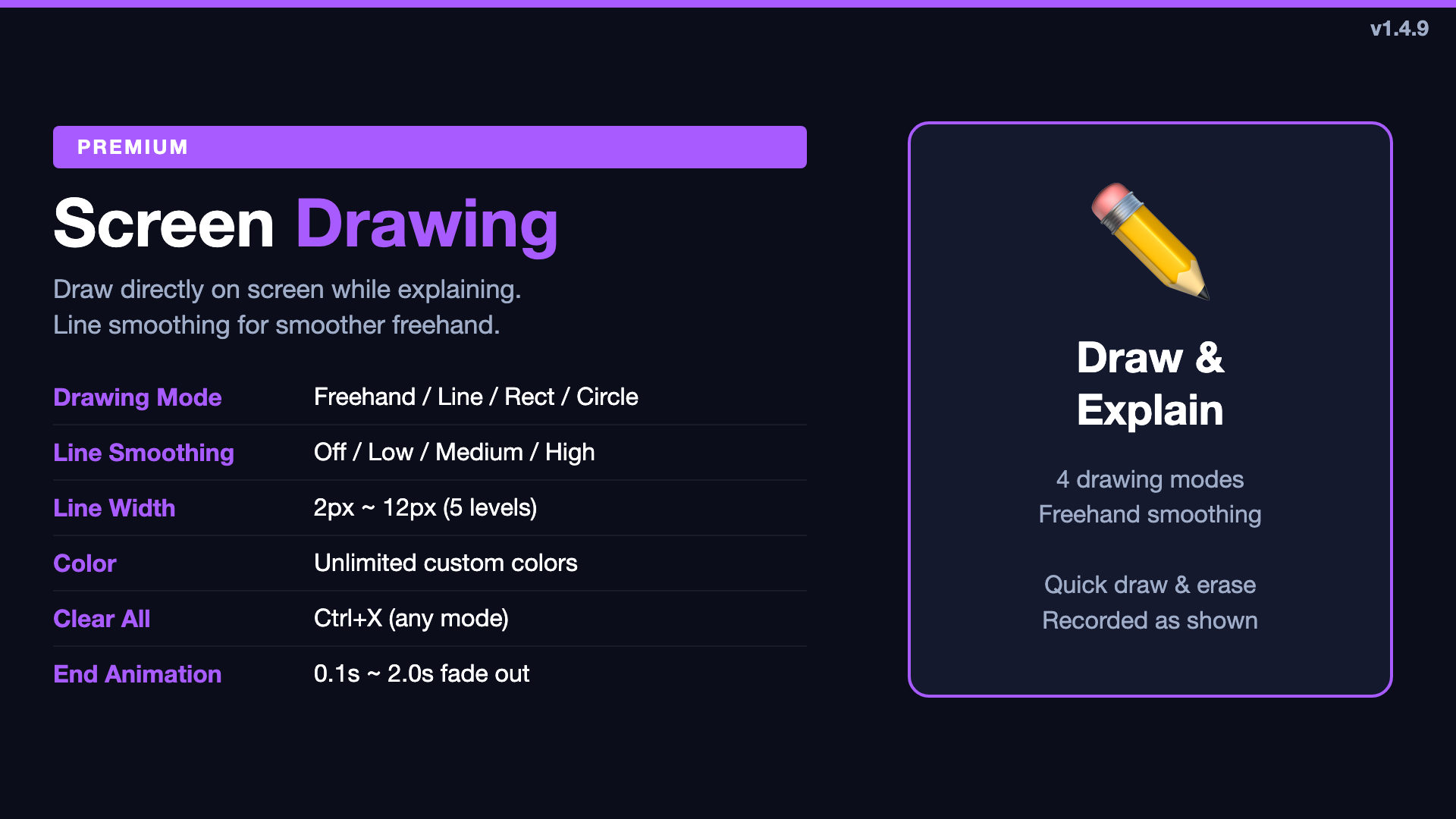
Freehand drawing used to follow your raw mouse input exactly — which meant hand shake, jitter, and angular corners. In 1.4.7, we added Line Smoothing for Freehand with four levels:
- Off — Raw input, no processing
- Low — Subtle smoothing, keeps natural feel
- Medium — Balanced smoothing
- High — Maximum smoothing, best for presentations
This only applies to freehand mode — Line, Rectangle, and Circle modes are unaffected. The setting appears in Settings > Drawing and is only active when Freehand is selected.
Memo Background Opacity 0%
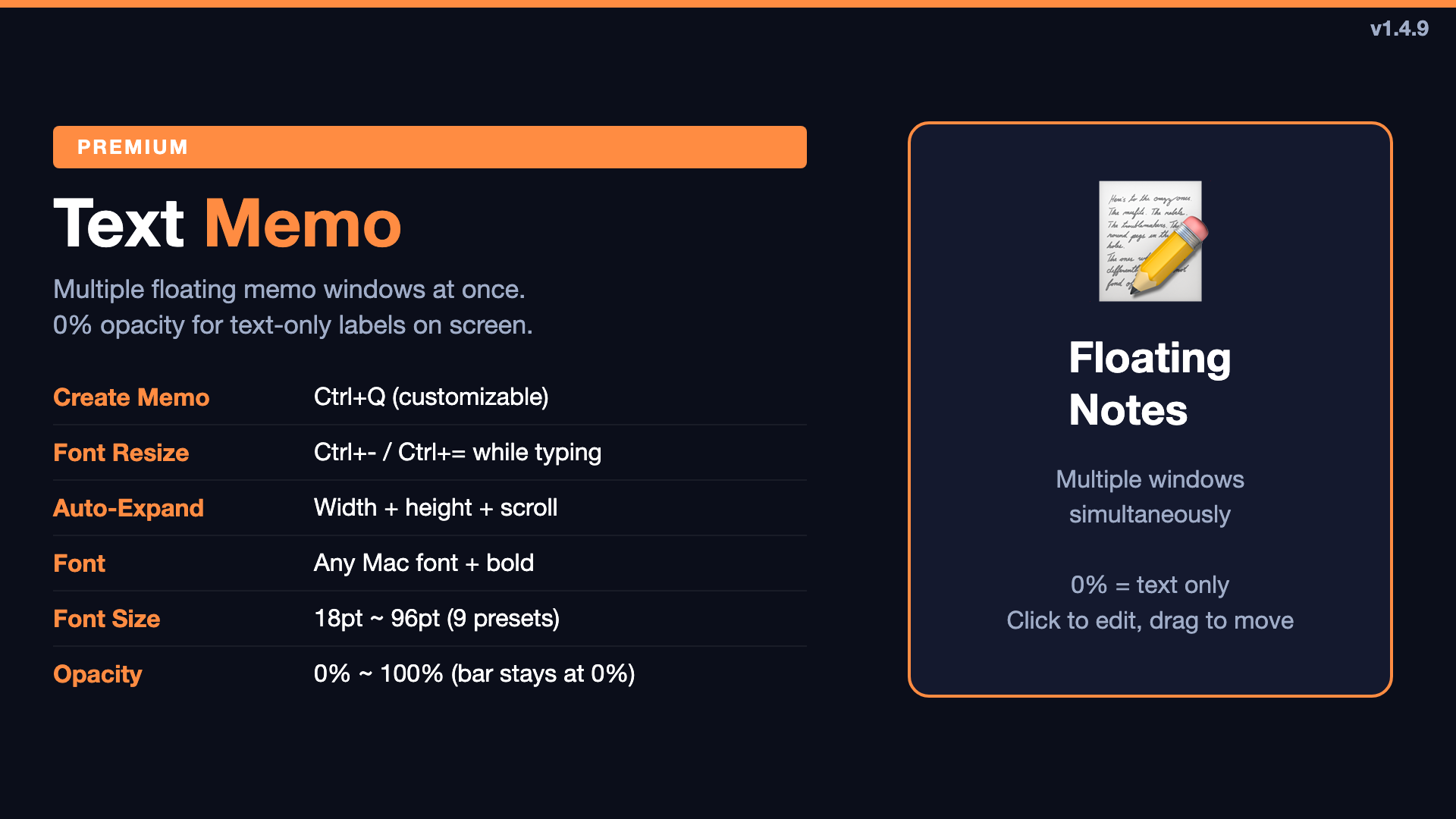
Previously, memo background opacity went down to 15%. Now you can set it to 0% — completely transparent. But we kept a subtle top drag bar so you can still grab and reposition the memo window. This means you can float text labels on screen with no visible background, perfect for clean annotations during recording.
Zoom Sampling Expanded
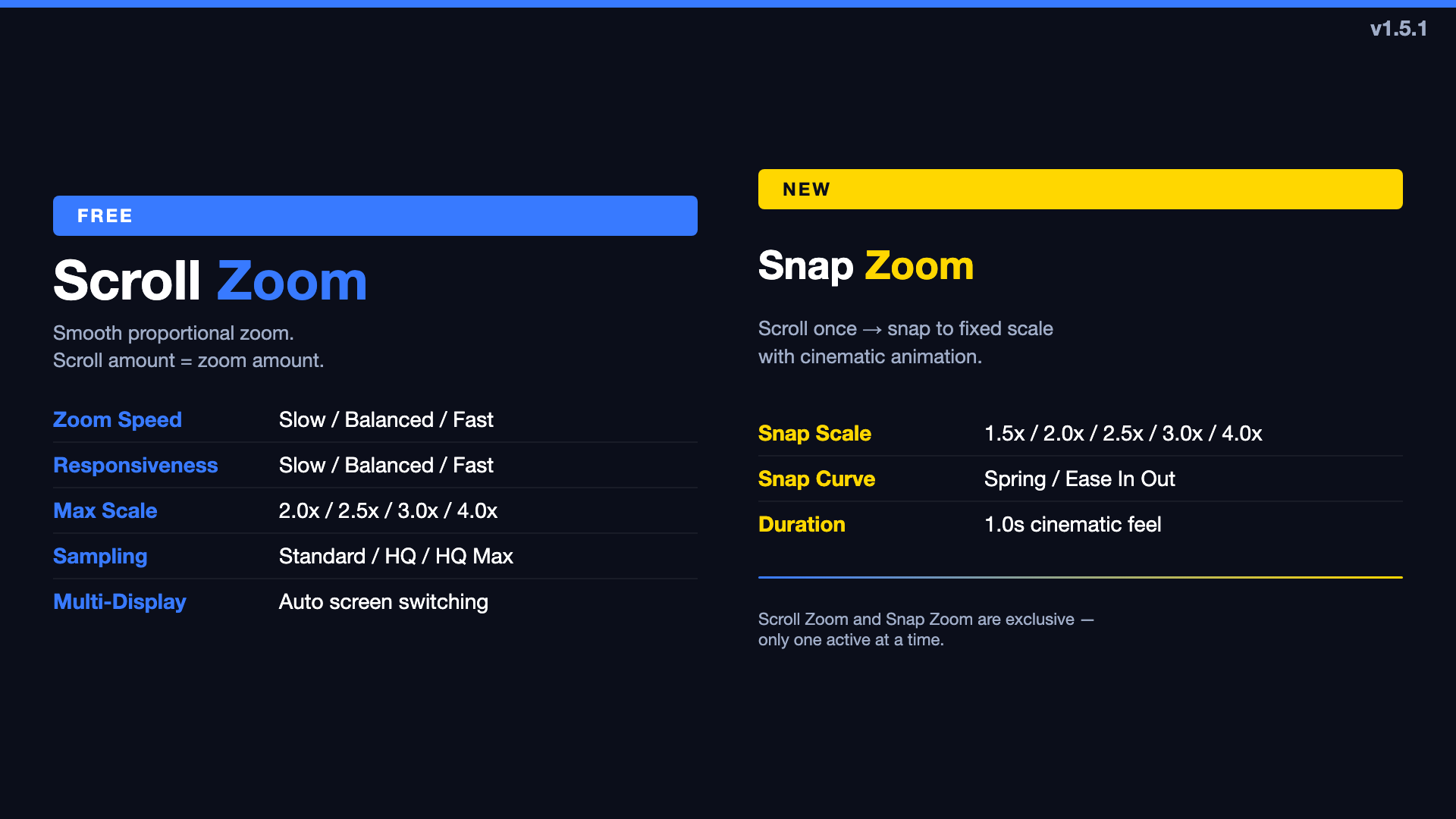
The original zoom had two sampling modes: Smooth and Crisp. In 1.4.6, we expanded this to six options:
- Smooth — Interpolated, soft edges (original)
- Crisp — Pixel-preserving, hard edges (original)
- Sharp — Light sharpening
- Sharper — Medium sharpening
- Sharpest — Maximum preset sharpening (new default)
- Custom — Manual control with 0.00–1.00 slider
The default changed from Smooth to Sharpest. Text, UI elements, and code are noticeably crisper when zoomed in. The Custom mode gives full control for users who want to dial in exactly the right balance between smoothness and sharpness.
This works by changing how the zoom rendering interpolates and sharpens — it doesn't create detail beyond the source resolution, but it significantly reduces the "blurry" feeling when zoomed in.
Premium Trial & UX Refinements
Version 1.4.5 focused on making the premium experience clearer:
- Premium trial cards added to onboarding and Guide tab — clearly explaining the 2-week free trial for annual subscriptions
- Global ON/OFF behavior unified — when you deactivate all features, memo shortcuts and existing memo windows are properly cleaned up
- Onboarding re-show — existing users see the latest onboarding once after updating, so they don't miss new features
- Purchase messaging clarified — no more ambiguous "free trial on install" wording; now clearly states "2-week free trial when you start an annual subscription"
What's Next
Each update has made TuringShot's core features more refined: zoom is sharper, drawing is smoother, memos are more flexible. We're continuing to polish the experience based on real usage feedback.
Try TuringShot — Free screen zoom, premium from $2.99/year
Download on Mac App Store