One annotation job
Mark the element the audience cannot find
When "this field here" is not precise enough, put the mark on the screen instead of narrating coordinates.
Draw the shape
In the default combined mode, hold Ctrl + A and drag to draw. In separate mode, drawing defaults to Ctrl + D. Choose freehand, straight line, rectangle, or circle, then tune color, width, and smoothing.
Add the label
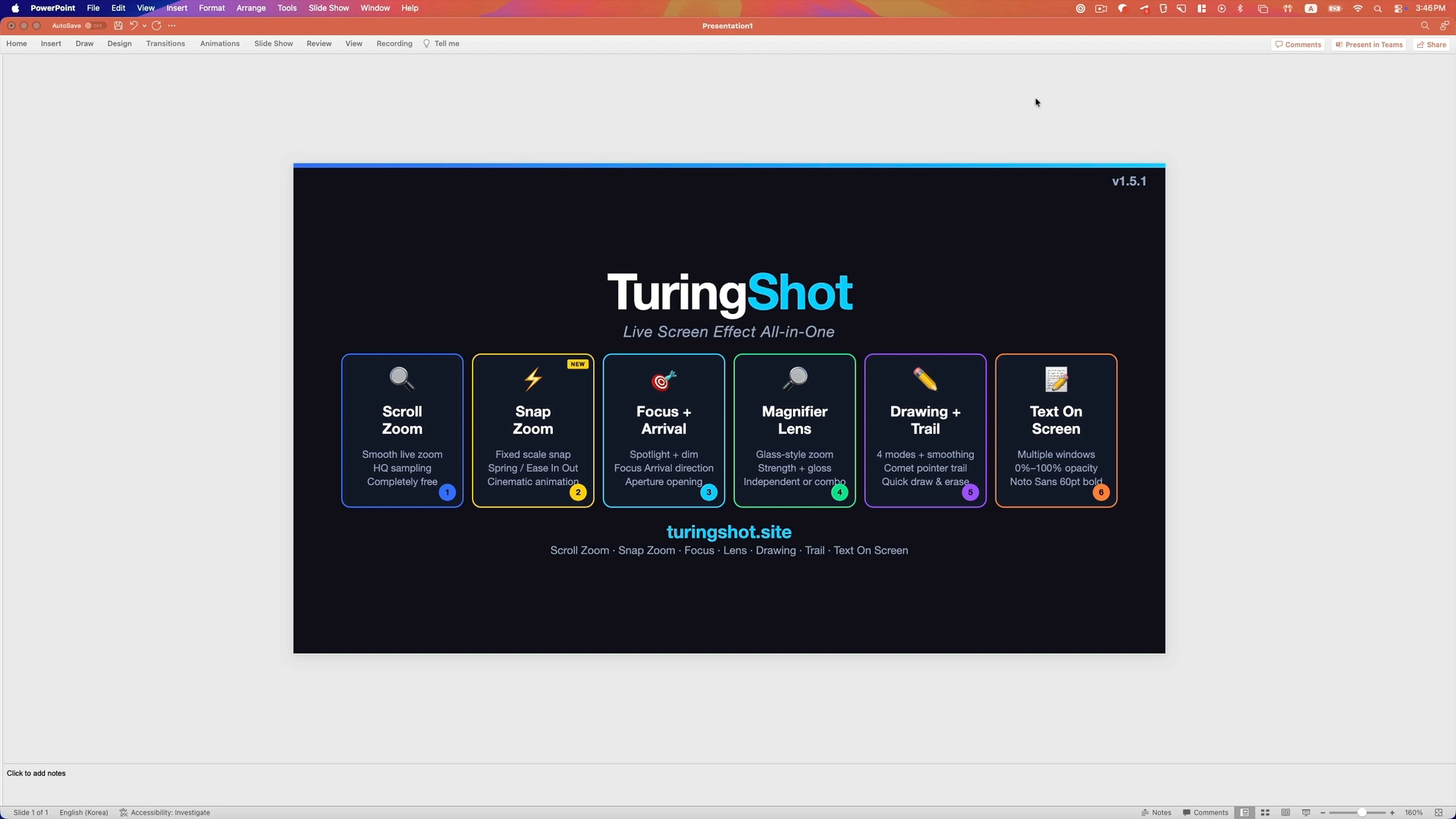
Text On Screen places styled text over the screen. Use Ctrl + Q and keep more than one memo visible when the explanation needs it.
Clear the screen
Use Ctrl + X to remove the drawing when the point is complete, without leaving the app or meeting.
A label that stays visible
Put the term next to the thing
Text On Screen supports multiple text windows, configurable font, size, weight, foreground, background, and opacity. It is useful when the label should remain after the pointer moves away.
Combine it with Focus Highlight or Magnifier Lens when one small region needs both emphasis and context.
Captured live
The annotation follows the same screen path as the explanation
In a lesson
Circle the line of code or settings control before the class moves to the next step.
In a product demo
Box the exact control a prospect asks about and keep the conversation moving.
In a tutorial take
Put the visual callout into the captured screen instead of rebuilding it in the editor.
Questions
About drawing on a Mac screen
Can I draw over any app?
The drawing layer sits over the screen rather than belonging to one document or application, so it can mark the workflow you are demonstrating.
Will the drawing show up in a recording or screen share?
Yes, when the recorder or meeting app captures the affected screen. TuringShot renders the annotation on screen and does not record video itself.
Is Screen Drawing free?
Screen Drawing is Premium. The annual Premium plan includes a two-week trial. Live Screen Zoom and Snap Zoom are free.
Can I undo or change the line style?
Yes. Drawing includes undo and redo, color, line width, and smoothing controls, plus one-step clearing.
Continue
Pair annotation with the right live view
Try live drawing in your real workflow
The annual Premium plan includes a two-week trial for Screen Drawing, Text On Screen, Focus, Lens, Trail, Key Display, and impact effects.