Two zoom modes
Choose continuous framing or one predictable jump
Live Screen Zoom
In the default combined mode, hold Ctrl + A and use the wheel to move smoothly toward the pointer. Tune sensitivity, maximum scale, transition speed, responsiveness, and rendering quality.
Snap Zoom
Jump to a fixed zoom level when the same close-up needs to land consistently. Snap Zoom is free and defaults to 150% for new installs.
Magnifier Lens
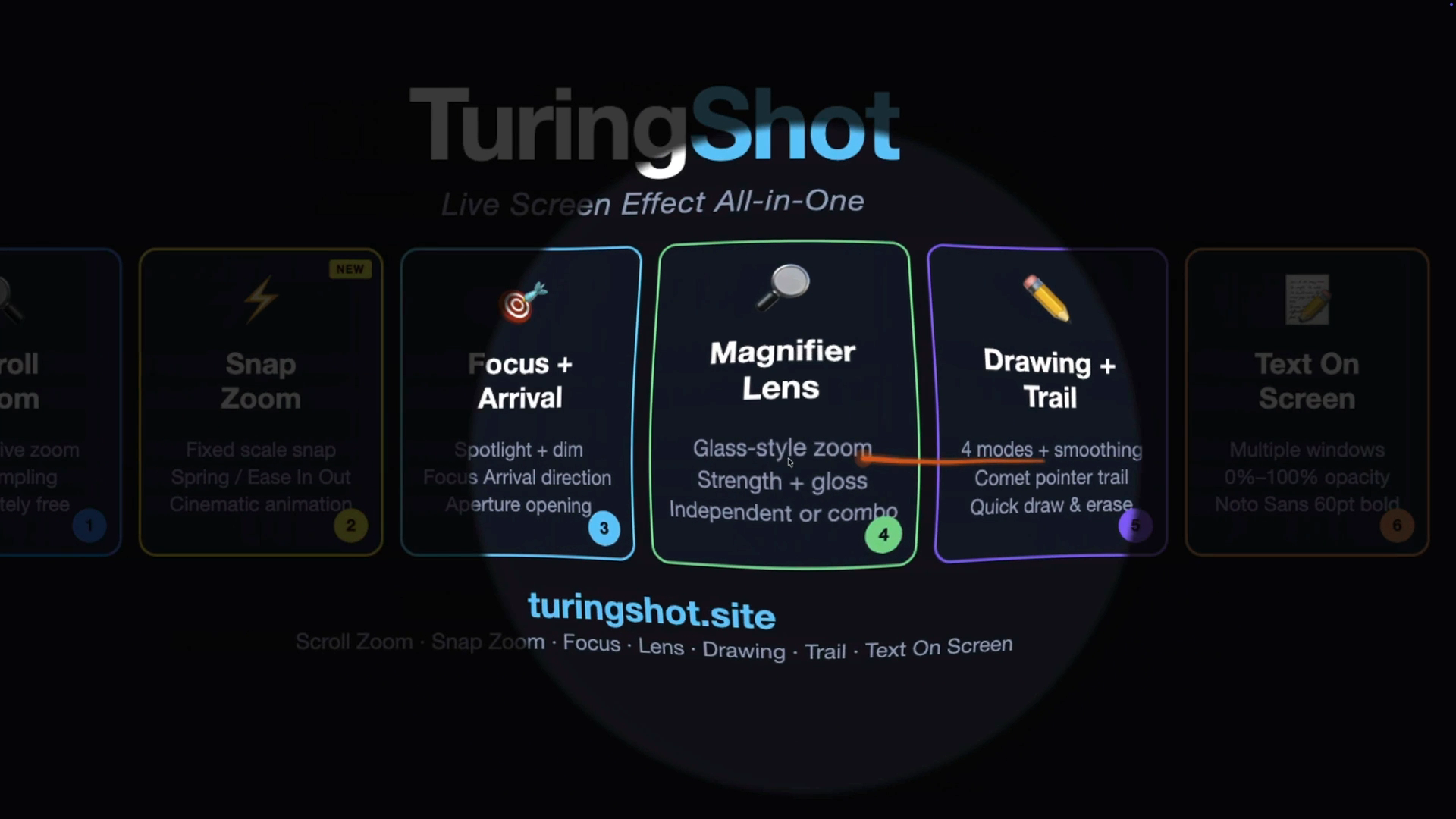
When the whole frame should not move, enlarge only the local pointer area and preserve the surrounding screen as context.
Keep context
Use a lens when only one detail is small
A full-screen zoom is useful when the audience needs a new frame. Magnifier Lens is useful when one icon or value needs inspection while the rest of the interface should stay in place.
- Run the lens independently or alongside Focus Highlight.
- Adjust lens size, strength, and gloss.
- Move between displays as the cursor moves.
Where live zoom fits
One effect, three concrete jobs
Teaching
Bring code, menus, and settings close enough to read while the lesson continues.
Product demos
Frame the exact control before describing what happens next.
Screen tutorials
Put the zoom into the captured take instead of keyframing it again afterward.
Questions
About live zoom on Mac
Is Live Screen Zoom free?
Yes. Live Screen Zoom and Snap Zoom are free. Premium adds the focus, lens, trail, drawing, text, key display, and impact tools.
Does the zoom appear in Zoom, Meet, Teams, or a recording?
Yes, when that app is sharing or capturing the affected screen. TuringShot renders the zoom on screen and does not record video itself.
How do I control image quality?
Select Standard, HQ, or HQ Max and tune capture frame rate and performance settings for your Mac.
Does it work with multiple monitors?
The overlay follows the display containing the pointer and adapts to Retina and scaled resolutions.
Continue
Use live zoom in a real workflow
Try the live zoom tools on your next explanation
Live Screen Zoom and Snap Zoom are free. The annual Premium plan includes a two-week trial for the complete toolkit.