One creator problem
Turn the zoom pass into part of the recording pass
A screen tutorial often needs every zoom, pointer cue, and callout rebuilt after capture. TuringShot performs that emphasis live so the edit can focus on pacing and mistakes instead.
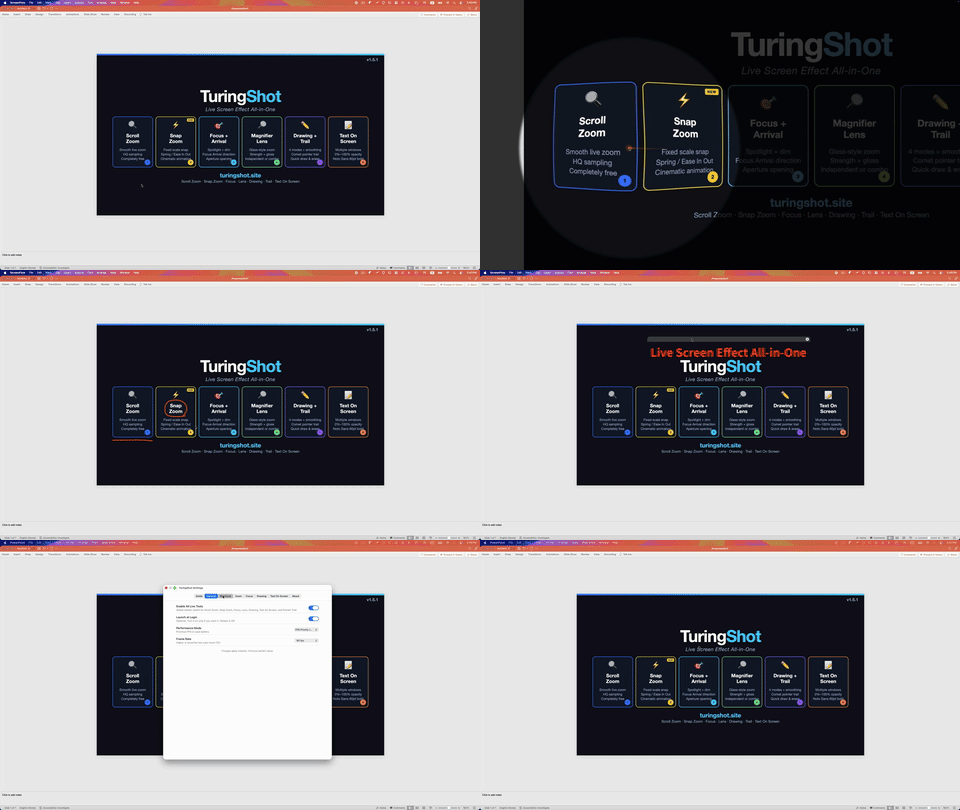
- Live Screen Zoom: by default, hold Ctrl + A and use the wheel to frame the pointer while you narrate.
- Snap Zoom: jump to a fixed scale for repeatable close-ups across a tutorial.
- Rendering controls: tune sensitivity, scale, speed, responsiveness, and image quality for the Mac doing the capture.
- Immediate reset: return to the normal screen when the explanation moves on.
Keep your recorder
TuringShot adds the layer. Your recorder makes the file.
No replacement workflow
TuringShot does not record video. Continue using ScreenFlow, OBS, QuickTime, or another screen recorder.
Callouts inside the take
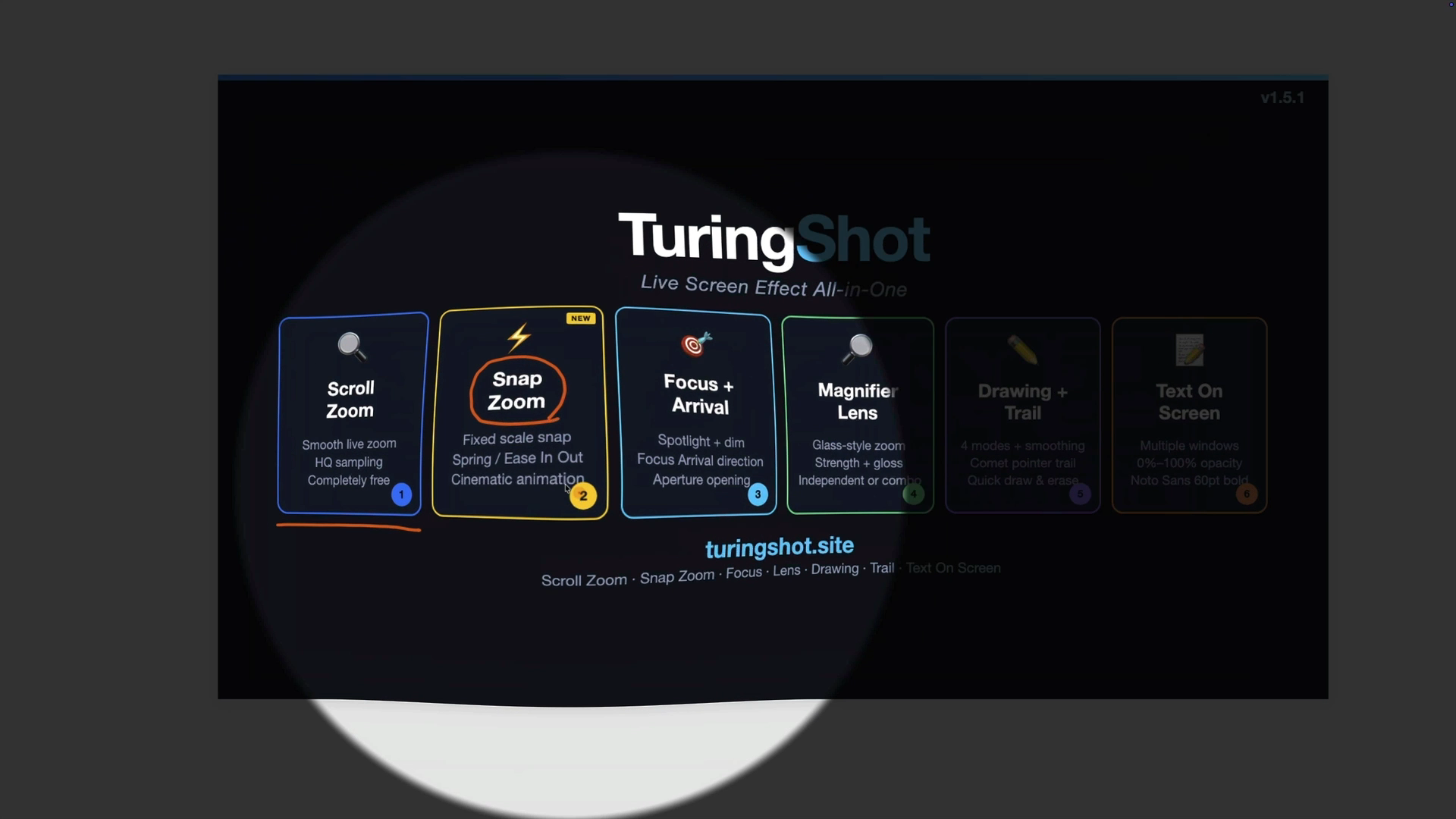
Focus Highlight, Magnifier Lens, Pointer Trail, Screen Drawing, Text On Screen, and Key Display appear on the captured screen.
Test before paying
Live Screen Zoom and Snap Zoom are free. The annual Premium plan includes a two-week trial for the complete effects set.
Readable movement
Let viewers follow the cursor between steps
Pointer Trail makes a fast move across the screen visible in the captured output. Combine it with a zoom for framing, then add a drawing or short text memo only when the detail needs to persist.
The result is deliberate on-screen emphasis without keyframing the same move again in post-production.
Questions
Before you use it in a take
Does TuringShot replace my recorder?
No. It renders live effects onto the Mac screen. Your existing recorder captures those effects and creates the video file.
What if I make a live zoom mistake?
That is the trade-off of performing emphasis in the take. Start with the free Live Screen Zoom and Snap Zoom on a real recording, tune the speed and scale, and decide whether the time saved fits your workflow.
Can I adjust image quality?
Yes. Live Zoom includes Standard, HQ, and HQ Max rendering options, along with capture frame-rate and performance controls.
Which effects are Premium?
Focus Highlight, Magnifier Lens, Pointer Trail, Screen Drawing, Text On Screen, Key Display, and impact effects. The annual plan includes a two-week trial.
Explore by job
Build the live emphasis workflow you need
Try the live effects in your actual recording stack
Use the free zoom tools first, then test the complete Premium toolkit for two weeks.
macOS 13 or later, Apple silicon and Intel.