One presentation problem
Put the audience on the same control, on the first try
A shared cursor is tiny on somebody else's laptop. TuringShot makes the screen itself say where to look.
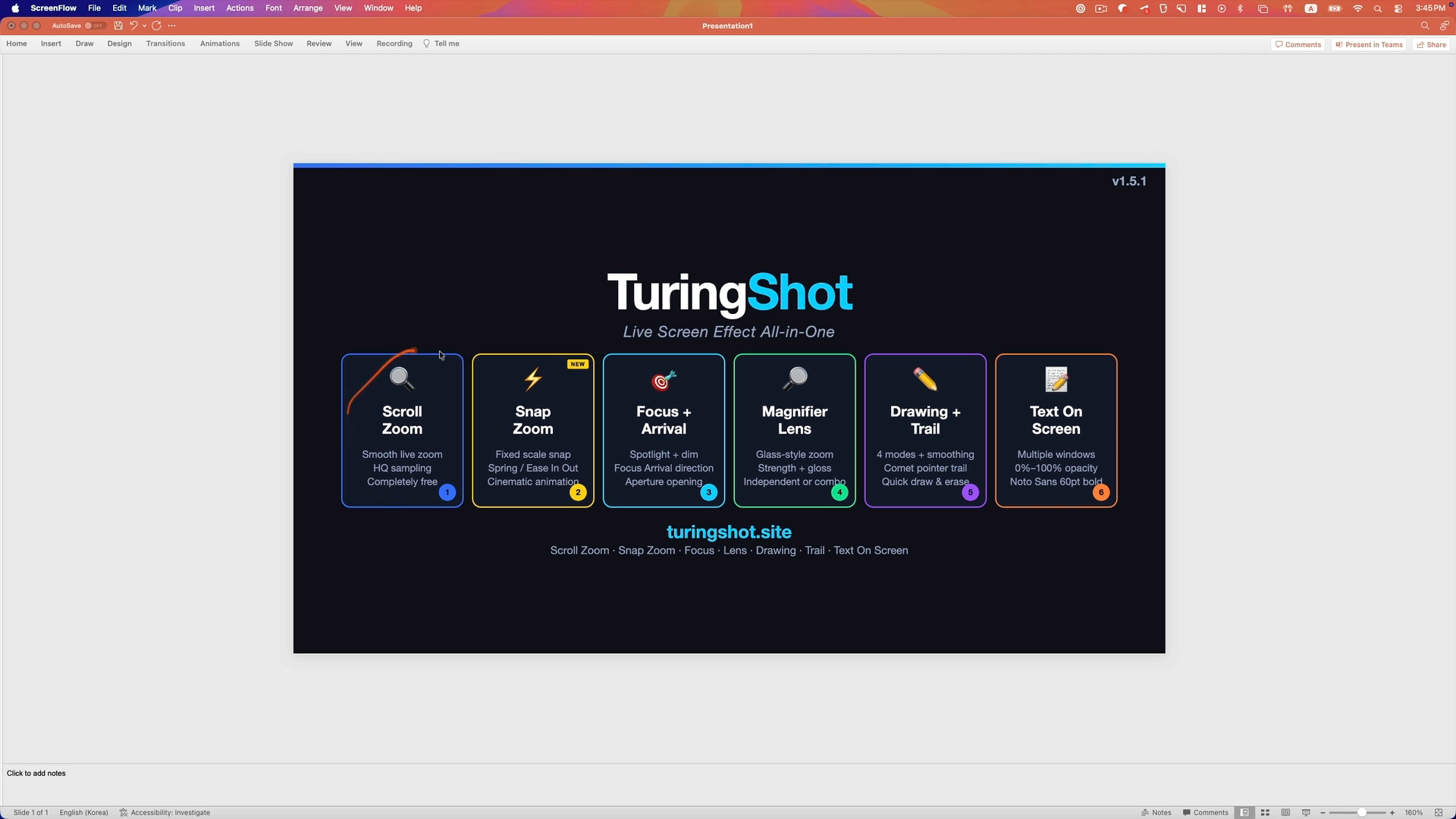
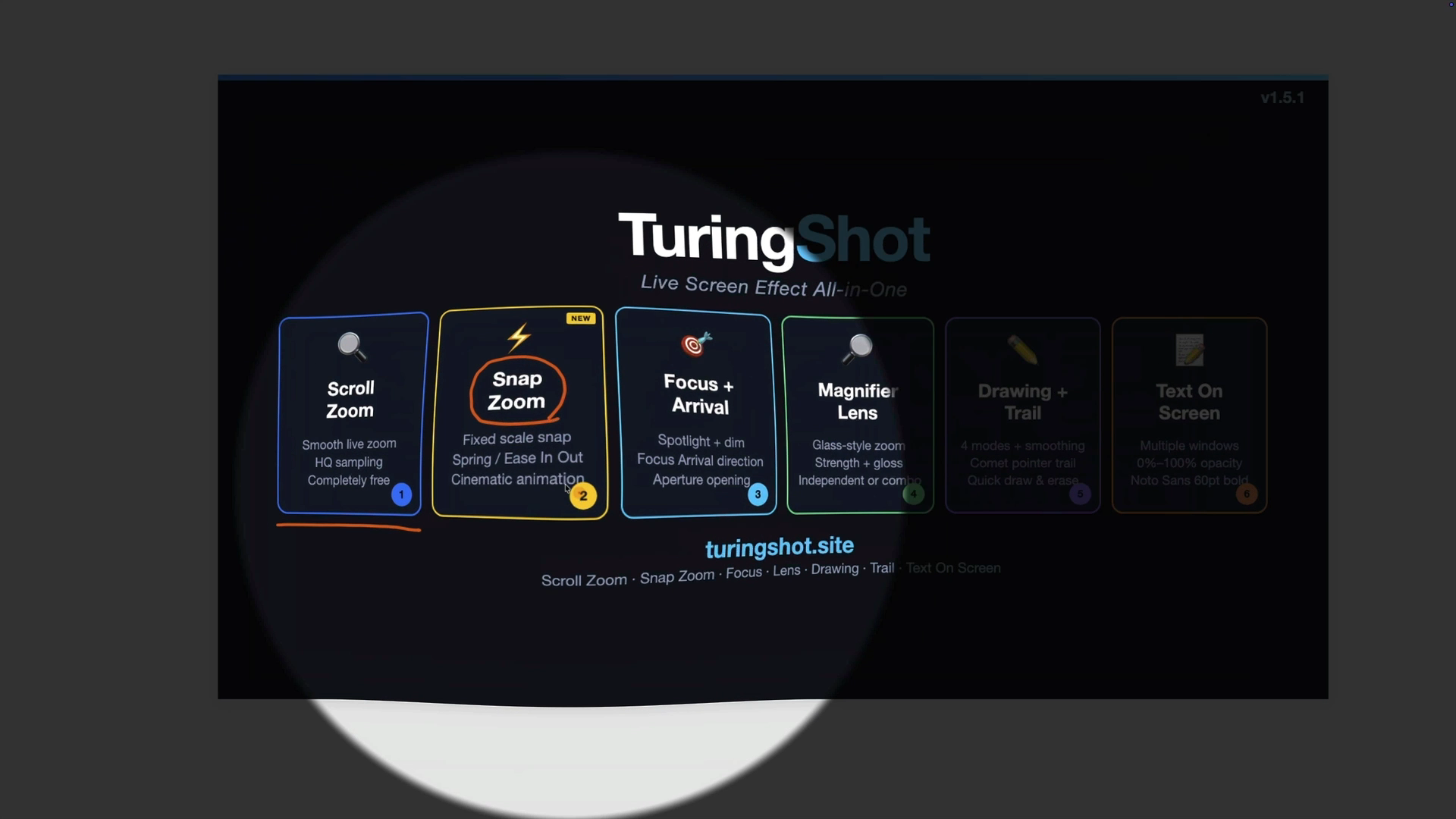
1. Snap to the target
Snap Zoom goes to a fixed scale for a predictable close-up. By default, hold Ctrl + A and use the wheel when you need continuous pointer-centered zoom.
2. Hold attention
Focus Highlight dims the surrounding screen. Pointer Trail makes the move to the next control easy to follow.
3. Mark and reset
Circle the control with Screen Drawing, add a short on-screen label, then clear the emphasis when the point lands.
Predictable motion
A close-up that feels intentional
Choose the zoom scale, speed, responsiveness, and rendering quality. Snap Zoom returns to the same scale each time, so a sales demo or webinar does not drift from one close-up to the next.
TuringShot does not record or host the call. It works alongside the meeting app already sharing your screen.
Follow the next step
Keep fast cursor movement visible
Pointer Trail leaves a short, configurable path as the cursor crosses the screen. It helps viewers follow the transition between controls without turning the entire demo into a permanent highlight.
- Adjust trail length and fade.
- Combine it with Focus Highlight when one control matters most.
- Use Magnifier Lens for small text without moving the whole view.
Questions
Before the next live call
Will people on the call see the effects?
Yes. The effects are rendered on the screen you share, so the meeting app carries the affected screen to the audience.
Does TuringShot record the meeting?
No. It is a live screen-effects utility. Your meeting or recording app stays responsible for capture.
Will the effects look distracting?
Each effect is triggered by you and its intensity is configurable. Start with one fixed Snap Zoom and one spotlight, then add only what the explanation needs.
Does it work across displays?
Overlays follow the display your cursor is on, including Retina and scaled display configurations.
Explore by job
More ways to make a screen explain itself
Make the next screen share easier to follow
Try the complete live presentation toolkit for two weeks with the annual Premium plan.
Live Screen Zoom and Snap Zoom remain free.